









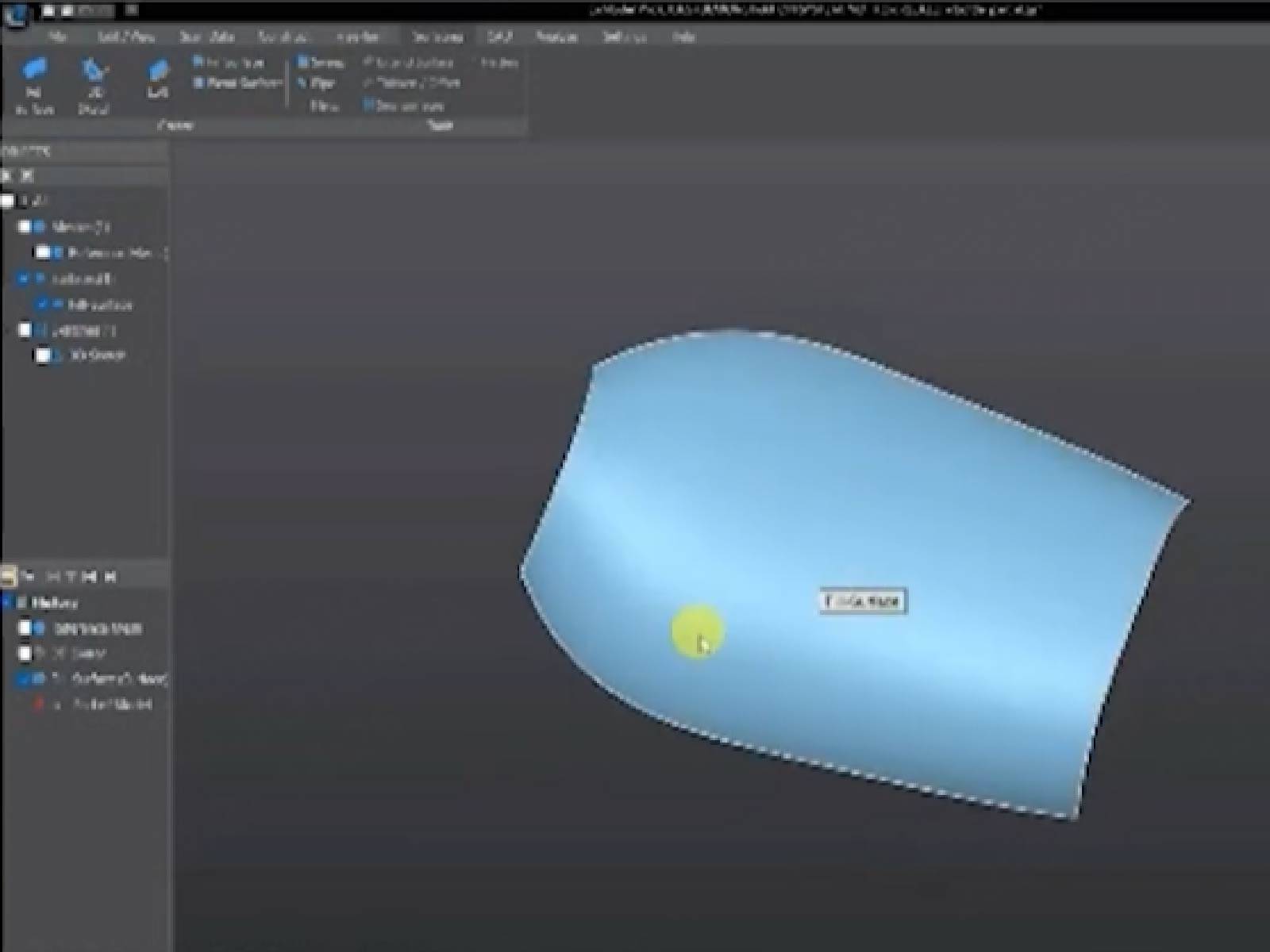
Turning a physical object into a usable CAD model is one of the most powerful applications of 3D scanning. It allows engineers, designers, and makers to move from real-world parts to editable digital models in a fraction of the traditional time.
However, capturing a scan is only the first step. The real challenge is converting raw scan data into clean, structured CAD files that can be used for design or manufacturing.
This is where scan-to-CAD software becomes essential.

Why Scan-to-CAD Workflow Matters
3D scanners typically generate mesh or point cloud data. While this is useful for visualization or 3D printing, it is not ideal for engineering workflows.
CAD systems require:
- Precise geometric structures
- Editable features (planes, cylinders, sketches)
- Parametric design history
👉 Without proper conversion, scan data remains difficult to modify or integrate into professional workflows.
Step 1: Import and Organize Scan Data
The workflow begins by importing scan data into your software.
Most scanning tools export:
- STL files
- OBJ files
- Point cloud data
Once imported, the first step is:
- Cleaning unwanted noise
- Aligning multiple scans
- Removing irrelevant geometry
👉 A clean starting model significantly improves downstream results.
Step 2: Mesh Optimization
Raw scan data is often dense and unstructured. Before converting it into CAD, the mesh must be optimized.
Typical processes include:
- Reducing unnecessary polygons
- Filling holes in missing areas
- Smoothing irregular surfaces
👉 This step ensures the model is manageable and accurate enough for reconstruction.
Step 3: Identify Key Geometric Features
Instead of manually tracing everything, modern scan-to-CAD workflows focus on recognizing key shapes such as:
- Flat surfaces
- Cylindrical features
- Rounded edges
- Symmetry planes
This step is critical because CAD models are built on intent-based geometry, not raw surface data.
👉 Feature recognition reduces manual work and improves accuracy.
Step 4: Rebuild the CAD Model
Once key features are extracted, the model is reconstructed into editable CAD geometry.
This process may include:
- Sketch-based reconstruction
- Surface fitting (NURBS)
- Parametric modeling
👉 The goal is to transform a scanned mesh into a fully editable engineering model that can be modified and reused.
h3>Step 5: Export for Engineering or ManufacturingAfter reconstruction, the final CAD model can be exported into standard formats such as:
- STEP (for engineering and manufacturing)
- IGES (for surface modeling workflows)
- STL (for 3D printing applications)
👉 This ensures compatibility with major CAD platforms like SolidWorks or Fusion 360.
Common Challenges in Scan-to-CAD Workflows
Even with good scanning data, users often face challenges such as:
- Noisy or incomplete meshes
- Time-consuming manual modeling
- Difficulty extracting precise features
- Workflow fragmentation between tools
👉 These challenges highlight the need for dedicated scan-to-CAD software.
What Makes Good Scan-to-CAD Software?
When evaluating software, look for:
1. Ease of Use
A clear workflow helps reduce learning time and errors.
2. Feature Extraction Tools
Automatic or semi-automatic recognition of geometry saves significant time.
3. CAD Compatibility
Support for standard engineering file formats is essential.
4. Workflow Efficiency
The fewer steps between scan and CAD, the better.
A Practical Solution: EXModel
For users who want a streamlined workflow, dedicated tools like EXModel are designed specifically for scan-to-CAD conversion.
EXModel Scan-to-CAD Software
EXModel focuses on simplifying the transition from scan data to CAD models by providing tools for:
- Mesh editing and cleanup
- Feature recognition and extraction
- Surface reconstruction
- CAD model generation
👉 Instead of using multiple software tools, users can complete the full reverse engineering workflow in one environment.
This makes it especially useful for:
- Product design
- Mechanical engineering
- Reverse engineering workflows
- Rapid prototyping
🔗 Learn more about compatible scanning workflow hardware: EINSTAR Rockit 3D Scanner
🔗 Explore entry-level scanning option for scan-to-CAD workflows: EINSTAR 2 3D Scanner
Conclusion
Converting 3D scan data into CAD files is a crucial step in modern product development. While scanning captures the physical world, it is the software workflow that transforms that data into something editable and manufacturable.
By using a structured process—and the right tools like EXModel—users can significantly reduce time, improve accuracy, and streamline the entire reverse engineering workflow.
Share:
Understanding Laser 3D Scanners and Choosing the Right One
Practical Tips for 3D Body Scanning to Help You Get High-Quality Full-Body Scans