









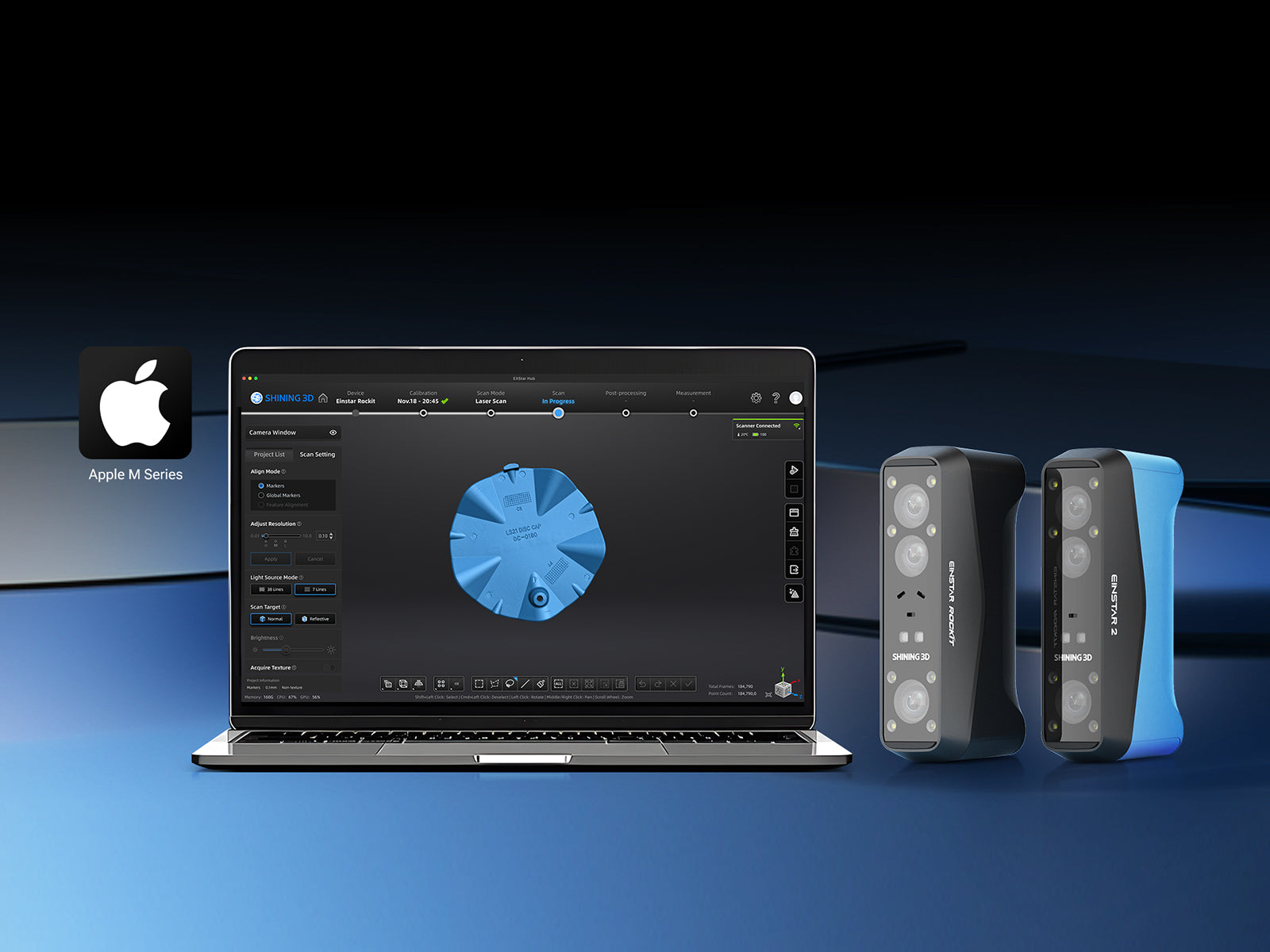
Built for Apple Silicon: gesture shortcuts, unified memory efficiency, and native system-level integration.
EXStar Hub for macOS — Available Now
We’re excited to announce that EXStar Hub for macOS is available now, bringing a smoother, more stable scanning and post-processing experience to Mac users.
Supported scanners:
- Einstar 2
- Einstar Rockit
What’s new on macOS
1. Gesture shortcuts for better interaction
Navigate and inspect data faster with intuitive trackpad controls:
- Tap and slide to rotate and check your data
- Pinch with two fingers to zoom in / zoom out
- Two-finger tap + slide to pan for quick view
2. Apple Silicon unified memory for smoother CPU↔GPU data flow
On Apple Silicon, the unified memory architecture helps data move more smoothly between CPU and GPU, making post-processing:
- More stable
- More efficient
- More consistent under heavier workloads
3. Native system-level macOS integration (no third-party frameworks)
EXStar Hub for macOS uses a native, system-level compatibility approach—it does not rely on third-party frameworks.
This allows the software to call macOS capabilities more directly, helping improve:
- Performance
- Stability
- Overall responsiveness
Get started
Download EXStar Hub for macOS here:
System requirements:
macOS (Minimum)
- Tahoe 26.2
- Device: MacBook Pro M1 or MacBook M3 and above
- RAM: 16 GB or above
macOS (Recommended)
- Tahoe 26.2
- Device: MacBook Pro M3 or above (Max / Ultra recommended)
- RAM: 24 GB or above
If you have questions or need assistance, contact us
We’re thrilled to bring EXStar Hub to macOS—and we can’t wait to see what you scan next.Share your work with us and the community!
Share:
EINSTAR VEGA Supports Formnext Cookie Award-Winning 3DMyMask Innovation in Neonatal Care
EinScan Rigil v1.2 Update