









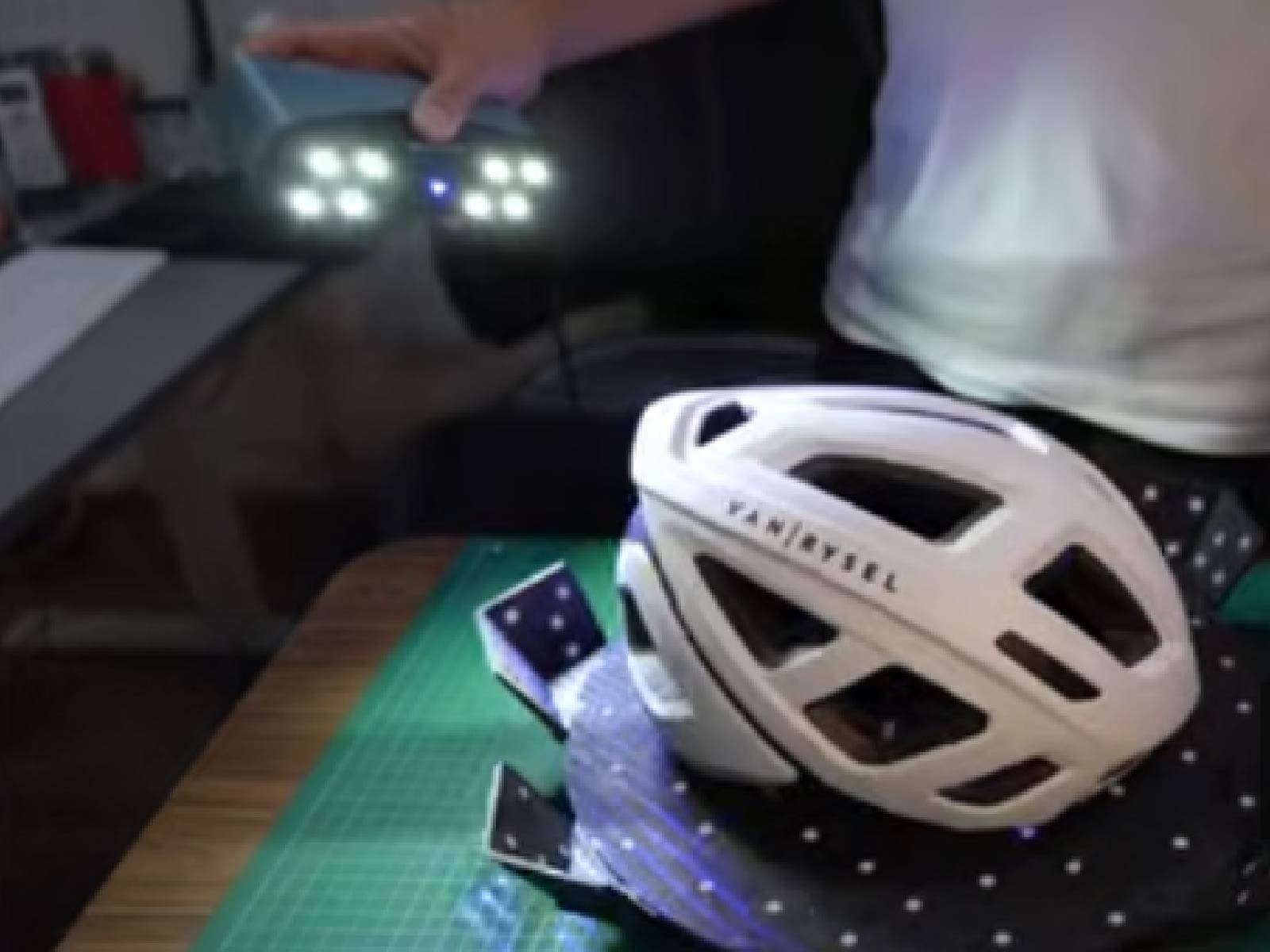
3D printing starts in the digital world—but many of the best ideas begin in the real one. A 3D scanner bridges that gap, turning physical objects into editable models you can print, modify, or improve.
However, not every 3D scanner is built for 3D printing workflows. Choosing the right device means understanding how scan data translates into printable geometry, mesh quality, and real-world usability.

What Makes a 3D Scanner “Good” for 3D Printing?
Unlike industrial inspection or metrology, 3D printing has its own priorities. The goal is not just capturing data—it’s creating clean, usable models that can be printed without hours of repair.
A good 3D scanner for printing should offer:
- Consistent data quality → smooth meshes with minimal noise
- Stable tracking → fewer alignment errors during scanning
- Usable file output → compatible with STL, OBJ, or CAD workflows
- Balanced detail vs. speed → enough resolution without slowing you down
👉 In short: the best scanner is the one that produces print-ready data, not just raw scans.
1. Data Quality Directly Affects Print Results
Poor scan data leads to:
- Holes in the mesh
- Warped surfaces
- Failed prints
High-quality scanners capture dense point cloud data, which results in smoother surfaces and better geometry reconstruction.
Devices like the EINSTAR 2 3D Scanner provide high-density data capture with point distance up to 0.1 mm, helping generate cleaner models with less post-processing.
2. Tracking Stability Is More Important Than You Think
For 3D printing, especially when scanning objects in multiple passes, tracking stability is critical.
If tracking fails:
- Scan alignment breaks
- You lose sections of the model
- You need to rescan
Modern handheld scanners use intelligent tracking and automatic alignment to maintain consistent data capture.
👉 This reduces frustration and speeds up your workflow significantly.
3. Versatility Across Different Object Types
3D printing projects vary widely:
- Figurines and miniatures
- Functional parts
- Human scans (cosplay, busts)
- Household objects
A good scanner should handle all of these.
The EINSTAR 2 uses infrared VCSEL structured light, which performs well on:
- Dark surfaces
- Shiny materials
- Organic shapes like hair and fabric
👉 This versatility makes it suitable for both creative and functional printing.
4. Workflow Simplicity Saves Time
A scanner is only useful if you can actually use the data.
Look for:
- Real-time preview during scanning
- Automatic alignment
- Easy export to STL/OBJ formats
The EINSTAR ecosystem includes user-friendly software with smart tracking, data optimization tools, and multiple export formats, making it easier to go from scan → model → print.
5. Speed vs Detail: Finding the Right Balance
In 3D printing, you don’t always need ultra-high detail—you need practical detail.
Faster scanning allows you to:
- Capture objects quickly
- Iterate designs faster
- Reduce project time
The EINSTAR 2 offers smooth real-time scanning up to 14 FPS, balancing speed with usable detail.
👉 This is ideal for hobbyists and creators who want efficiency without sacrificing quality.
Why the EINSTAR 2 Is a Smart Choice for 3D Printing
For users looking for a reliable and affordable solution, the EINSTAR 2 3D Scanner stands out as a strong option.
Key advantages:
- High-quality scan data suitable for clean mesh generation
- Stable tracking and auto-alignment for consistent results
- Infrared structured light for scanning challenging surfaces
- User-friendly workflow for beginners and prosumers
- Affordable price point compared to professional systems
👉 It’s designed specifically for creators who want to turn real-world objects into printable 3D models quickly and reliably.
Conclusion
Choosing the best 3D scanner for 3D printing isn’t about chasing the highest specs—it’s about finding a device that fits your workflow.
Focus on:
- Data quality
- Stability
- Ease of use
- Versatility
With these factors in mind, the EINSTAR 2 offers a compelling balance of performance and accessibility—making it an excellent choice for anyone serious about 3D printing.
Share:
Affordable 3D Scanner Guide: Best Budget & Cheap Models
Understanding Laser 3D Scanners and Choosing the Right One