







 01
PHONE-FIRST
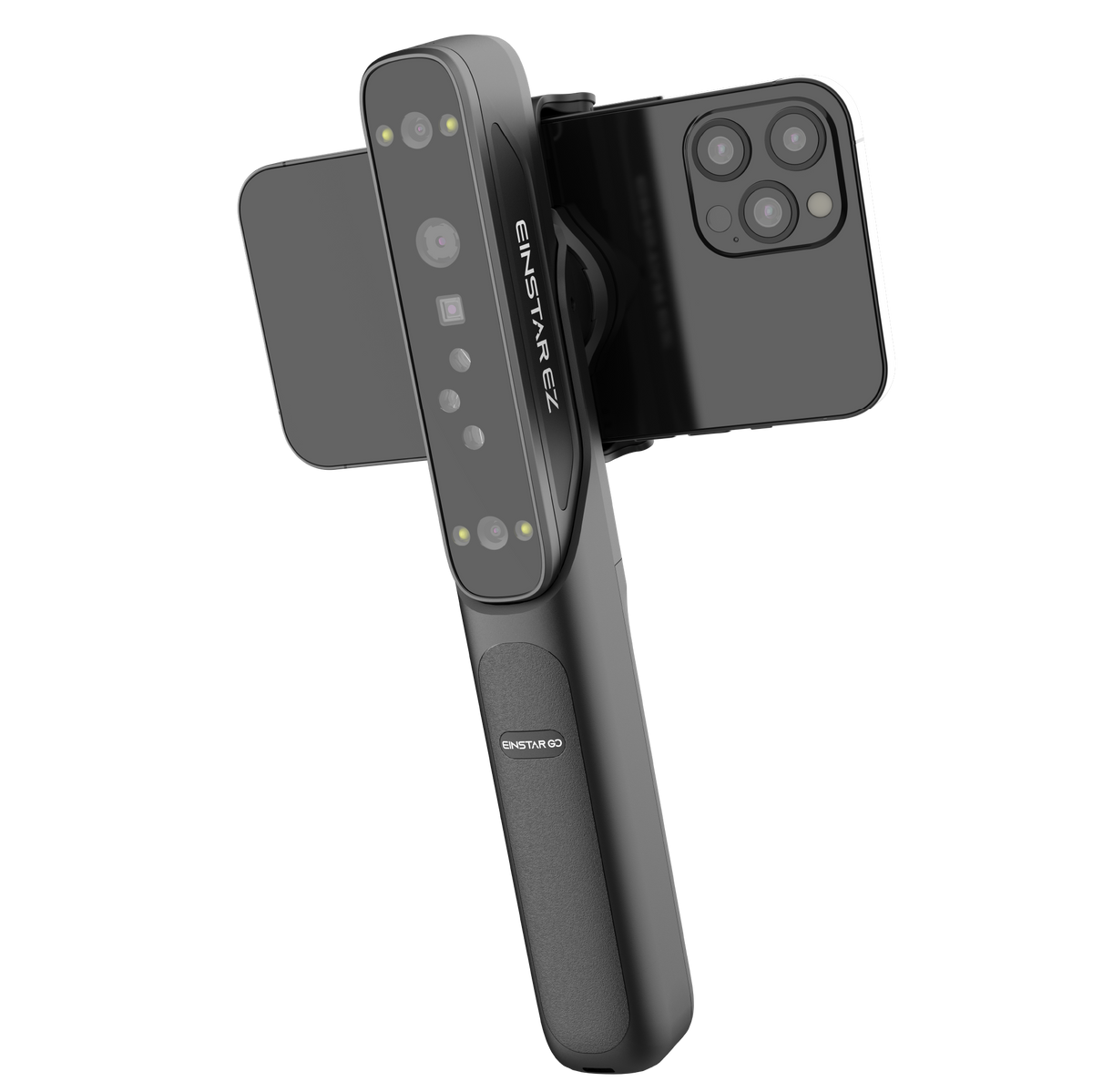
Snap on. Scan anywhere.
Bring EZ GO and your phone together in one compact handheld setup with real-time mobile preview.
Wireless Connection
In stock! Ship within 1-2 business days.
14-day risk-free trial
1-Year Warranty
Complimentary shipping & returns
MEET YOUR NEXT CREATIVE TOOL

Explore the EZ GO
EZ TO HANDLE
2 x
Depth cameras
1 x
Texture camera
5,400 mAh
Grip battery capacity
Up to 2 h
Scanning time

FLEXIBLE CONNECTION
01
PHONE-FIRST
Bring EZ GO and your phone together in one compact handheld setup with real-time mobile preview.
 02
WIRELESS
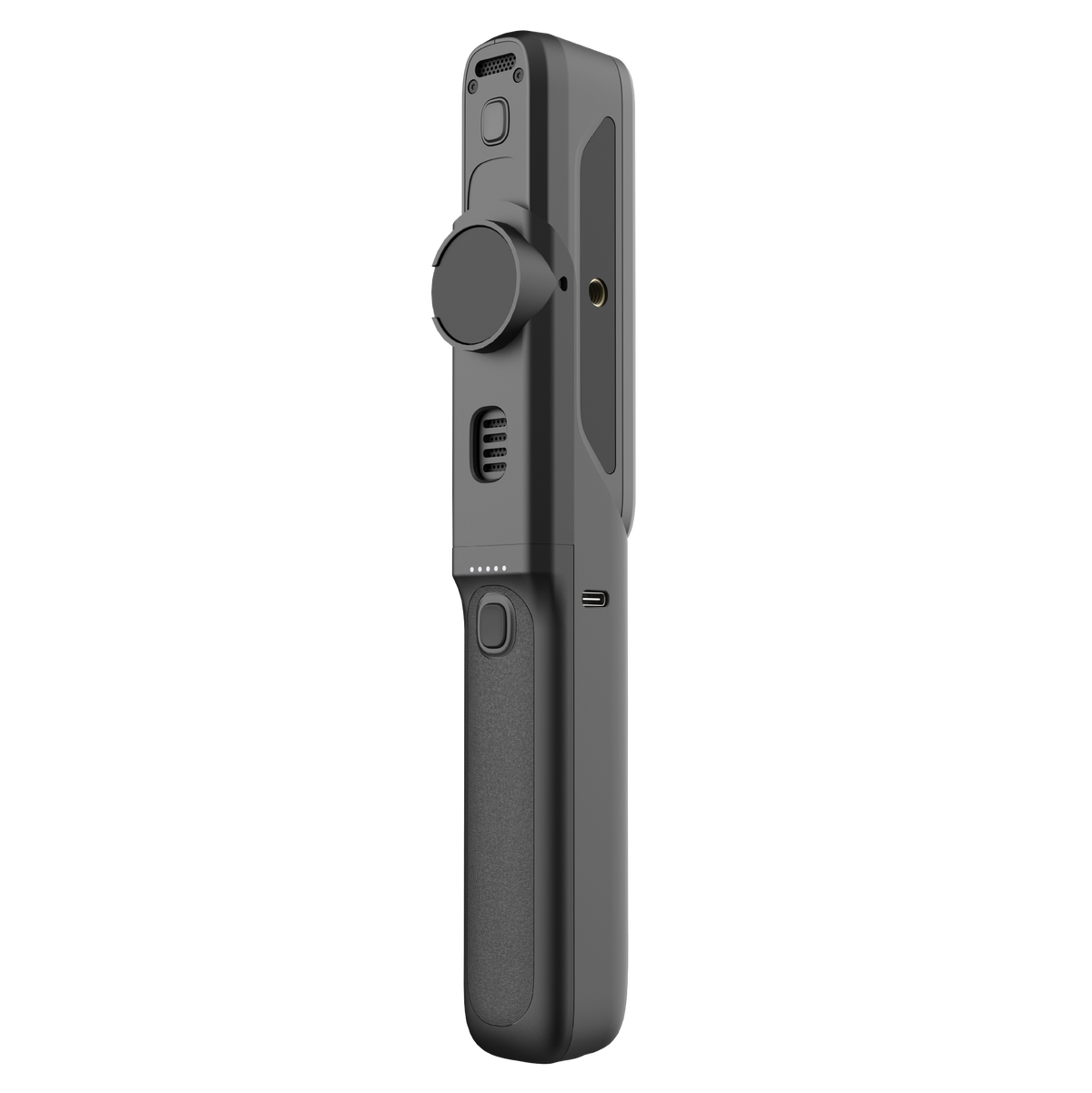
Built-in Wi-Fi 6 supports a cleaner wireless workflow with fewer cables around your subject.
 03
Type-C
Use the Type-C interfaces when your workflow calls for a direct and dependable wired connection.
TWO PARTS. ONE MOBILE WORKFLOW.
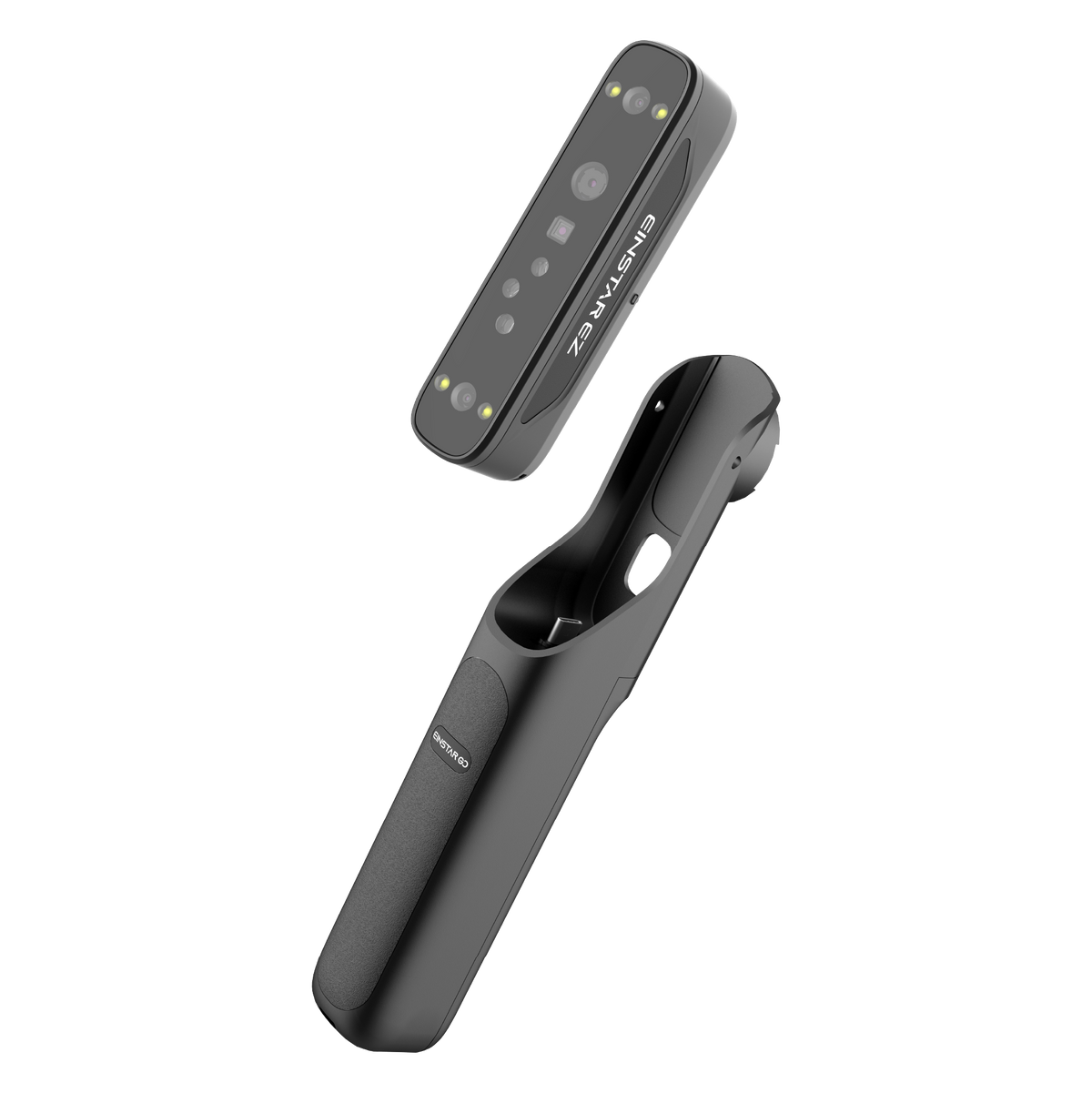
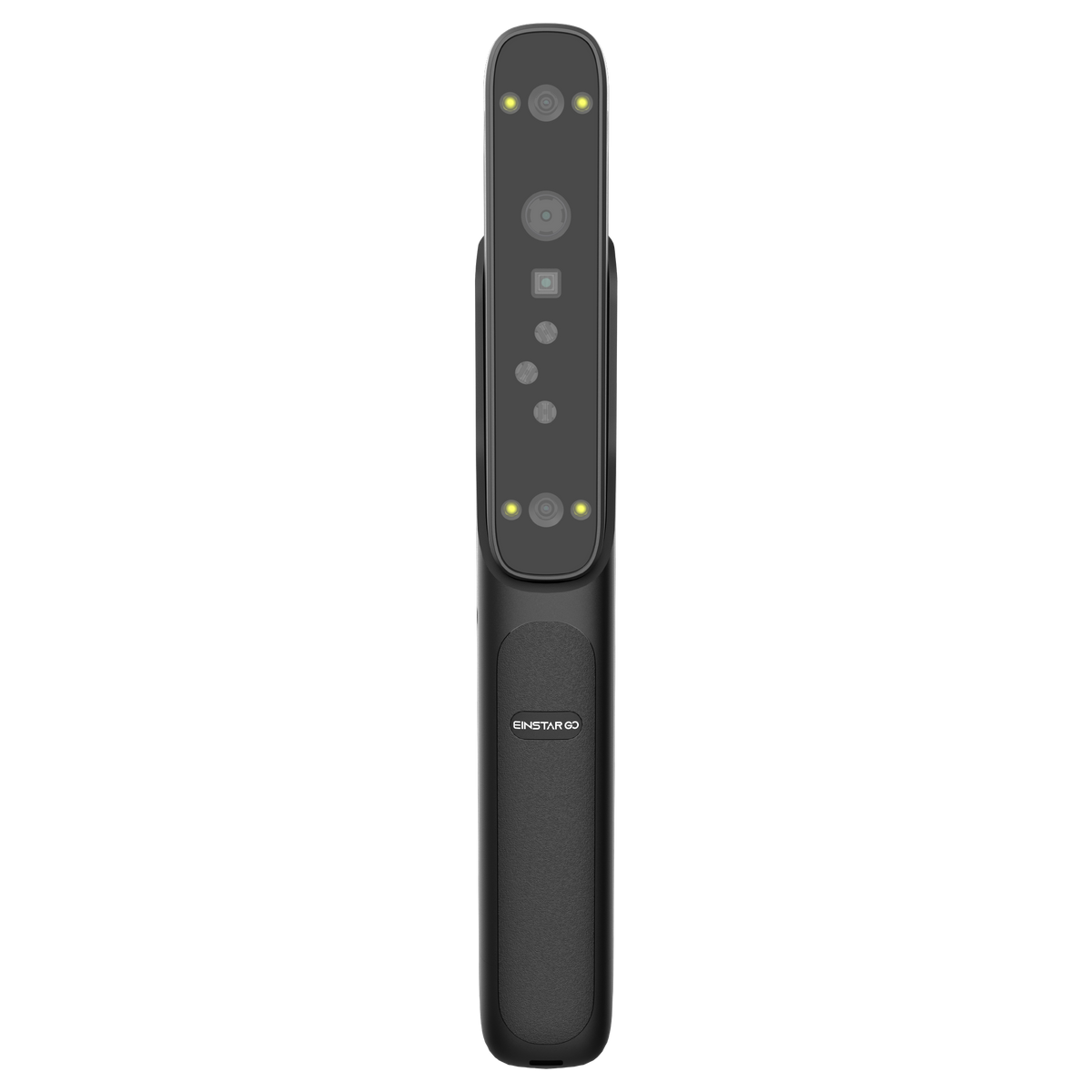
EZ captures the object. GO brings the phone, grip and portable power into one handheld setup. Use them together for a compact scan-to-model workflow.
 EZ
THE SCANNING CORE
EZ / CAPTURE
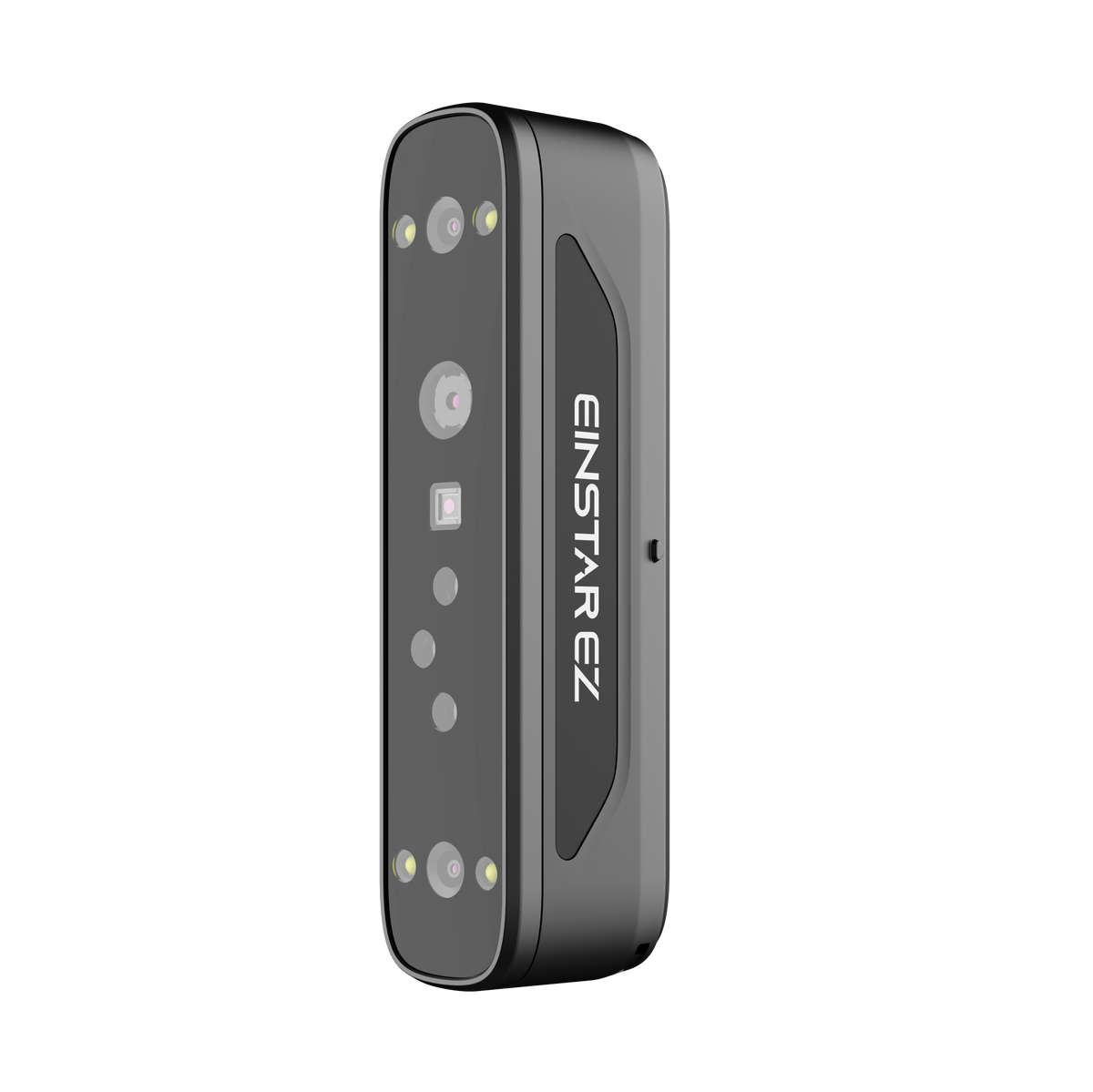
EZ is the scanner module. Its depth cameras, texture camera, blue laser and infrared VCSEL collect geometry, surface detail and color for the 3D model.
 GO
THE MOBILE GRIP
GO / HOLD + POWER
GO is the battery-powered grip that brings the phone and scanner into a stable one-handed setup, while its 5,400 mAh battery supports portable scanning.
¹ Runtime varies with phone, connection, scanning mode and operating conditions. Resolution describes sampling detail and should not be read as an accuracy specification.
TWO LASER MODES

LIVE SCANNING / 30 CROSSED LINES
MARKER-FREE LASER SCANNING

LIVE SCANNING / SINGLE-LINE MODE
4:1 DEEP-HOLE RATIO

SMALL IN SIZE. BIG IDEA.
LASER + INFRARED
 01 / LASER
MARKER-FREE LASER SCANNING
 02 / INFRARED
MARKER-FREE INFRARED SCANNING
AI-POWERED WORKFLOW
3D GAUSSIAN SPLATTING

 Other Imaging
3DGS
Drag to compare
EXPLORE MORE
 01
 01
 03
 01
 01
A SIMPLE CREATIVE FLOW
 01 / SCAN
Connect EZ GO and start scanning with your phone.
 02 / PROCESS
Review your capture and move into processing.
 03 / CREATE & SHARE
Save your capture to ShiningSpace, then share it or bring it into your next project.
THE DETAILS
| Work mode | Laser HD | IR Rapid |
|---|---|---|
| Light source | Blue laser: 15 + 15 crossed lines · Single line | IR VCSEL |
| Resolution | 0.05 mm –10 mm | 0.2 mm –10 mm |
| Scanning speed | 1,150,000 points/s | 6,550,000 points/s |
| Working distance | 160–550 mm | 160–800 mm |
| Alignment mode | Marker / Feature / Hybrid / Global Markers | Marker / Feature / Hybrid / Texture / Global Markers |
| FOV | 140 × 110 mm @ 160 mm 450 × 500 mm @ 550 mm | 140 × 110 mm @ 160 mm 610 × 660 mm @ 800 mm |
| Laser class | Class 1 | Class 1 |
| Cameras | Depth cameras × 2 Texture camera × 1 |
|---|---|
| Output formats | STL, OBJ, PLY, 3MF, ASC |
| Outdoor environment | Up to 80,000 lux |
| Operating temperature | −10°C to 40°C |
| Power source | Battery life: up to 2 hours |
| Certification | CE, FCC, RoHS, WEEE, FDA, SRRC, IP50 |
| Interface | EZ Scanner: Wi-Fi 6 USB Type-C × 1 GO Grip: USB Type-C × 2 |
| Dimensions | EZ Scanner: 126 × 30 × 37 mm GO Grip: 204 × 33 × 44 mm |
| Net weight | EZ Scanner: 125 g · GO Grip: 163 g |
BEFORE YOU START
| Device | Recommended configuration | Minimum configuration |
|---|---|---|
| Android phone / tablet | Snapdragon 8 Gen 4 or above Android 15 or later 12 GB RAM or above | Snapdragon 8 Gen 2 or above Android 15 or later 8 GB RAM or above |
| Windows laptop | Windows 11 64-bit RTX 3060 Laptop GPU or above VRAM 6 GB or above 64 GB RAM or above USB 3.0 | Windows 11 64-bit RTX 3060 Laptop GPU or above VRAM 6 GB or above 32 GB RAM Intel Core i7-13700H or above USB 3.0 |
| Apple phone (Coming Soon) | A17 Pro or above iOS 26 or later 8 GB RAM or above | A15 or above iOS 26 or later 6 GB RAM or above |
| Apple tablet (Coming Soon) | iPad Air / Pro with M2 or above iOS 26 or later 8 GB RAM or above | iPad A16 or above iPad mini A17 Pro or above iPad Air / Pro M1 or above iOS 26 or later 6 GB RAM or above |
| Apple laptop | Tahoe 26.2 M1 Max / Ultra, M2 Max / Ultra, M3 Pro / Max / Ultra, M4 Pro / Max or M5 16 GB RAM or above | Tahoe 26.2 M1 Pro, M2 Pro, M3, M4 or M5 16 GB RAM or above |
Swipe tables horizontally to view all columns ↔
READY FOR THE FIRST SCAN

Main scanner unit.
Portable grip with integrated battery.
Cables and included accessories; confirm final quantities before launch.
KEEP EXPLORING
GET STARTED
Find the user guide, setup instructions and all available EZ GO software in one place.
SEE WHAT IS POSSIBLE
Discover detailed scans, 3DGS scenes and creative work made from real-world capture.
A FEW THINGS TO KNOW