









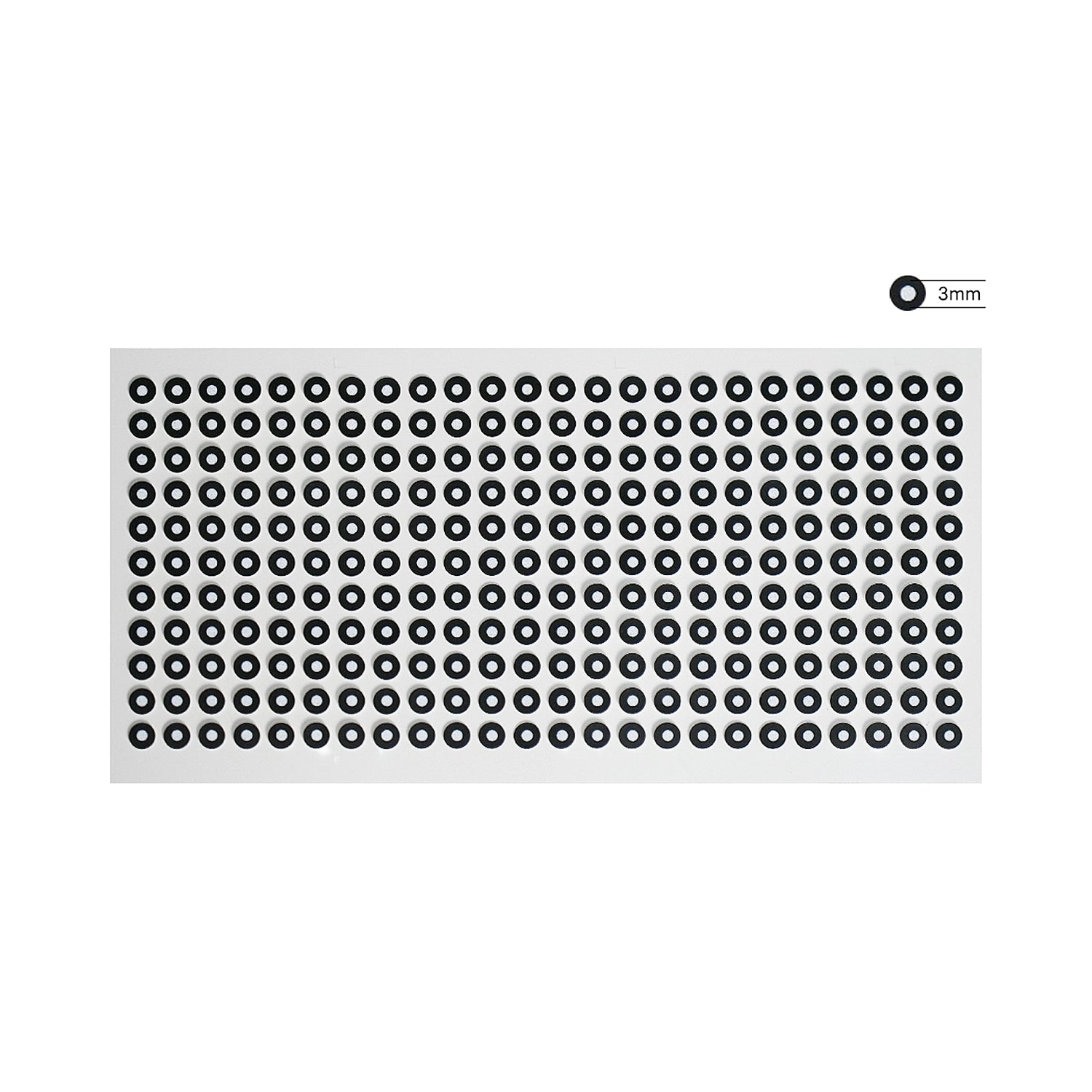

EINSTAR 3D スキャナー マーカー
3Dスキャナー用3mmマーカーで3Dスキャンの精度を向上。3.0mmサイズをご用意したこれらのマーカーは、特徴のないオブジェクトや複雑なオブジェクトに参照ポイントを作成することで、スキャン精度を向上させます。柔軟な配置オプションにより、繰り返し形状のトラッキングや正確なスキャンデータ取得に最適です。
Description

Type And Model
3.0mm Size:
- Inner diameter 3.0 mm
- Outer diameter 6.0 mm
- Total 5280 points.
How to Use

FAQs
How many markers should I use for the best tracking experience?
Use 8 to 15 markers per single frame for optimal tracking. A minimum of 4 markers per frame is required.
What is the recommended distance between markers ?
Place markers at a distance of 6 to 10 cm, with a minimum distance of 2 cm.
When markers alignment is suggested?
- the data accuracy matters
- the scanning object doesn't have rich geometric features or the surface geometry is in repeating patterns (symmetrical objects, cylinders, planes, etc)
How to use markers?
- Stick markers in a random, non-linear pattern.
- While scanning, make sure at least 4 markers in each frame can be taken.
- Control the number of markers seen on the camera view.
- Markers should be stuck on the flat surface area and keep the marker surface flat.
- Use the markers provided with the device only. Other markers can result in bad accuracy or not to be seen.
- Some cases like small objects, we suggest distributing the markers on a black surface around the object.
Any question?
You can contact us through our contact page! We will be happy to assist you.


