









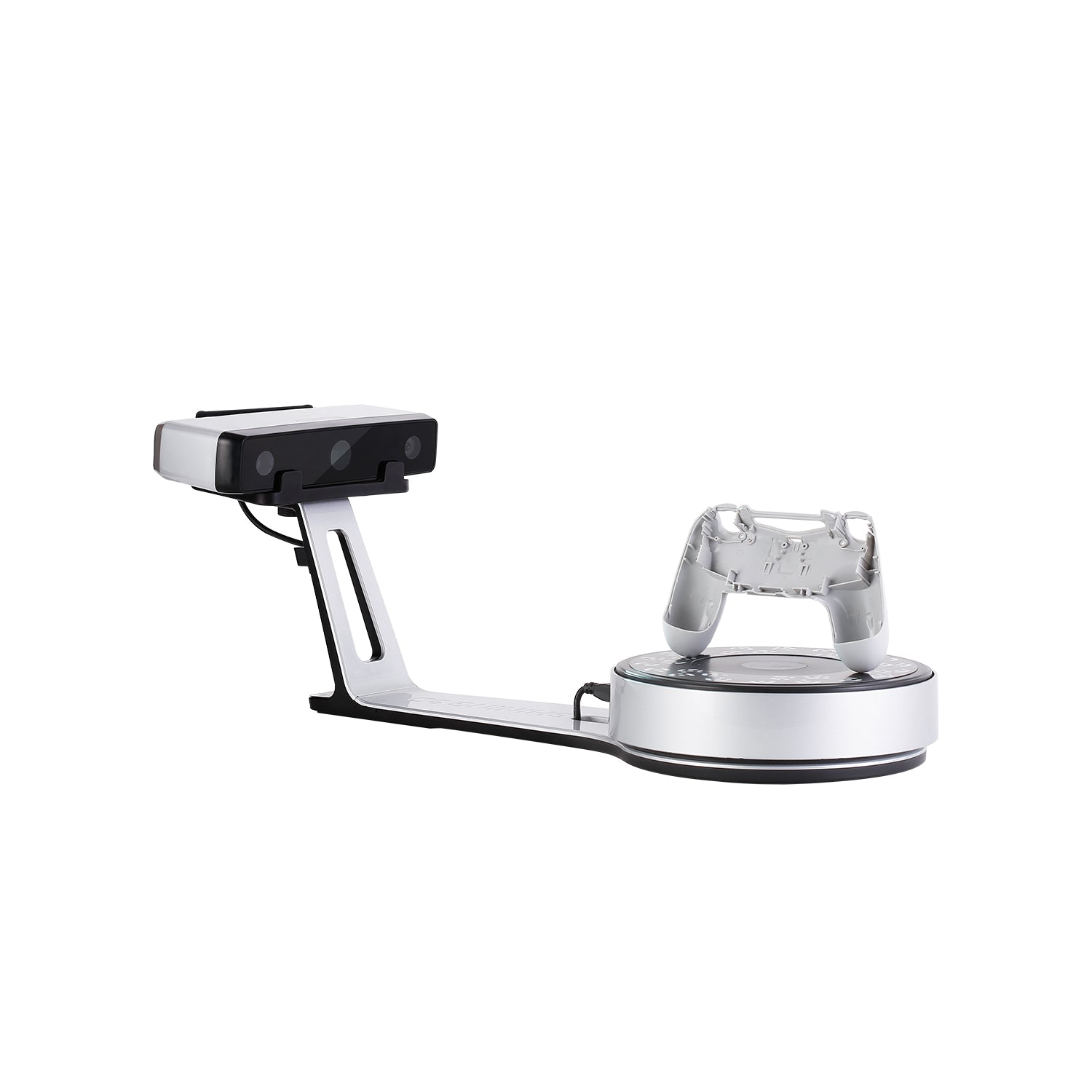
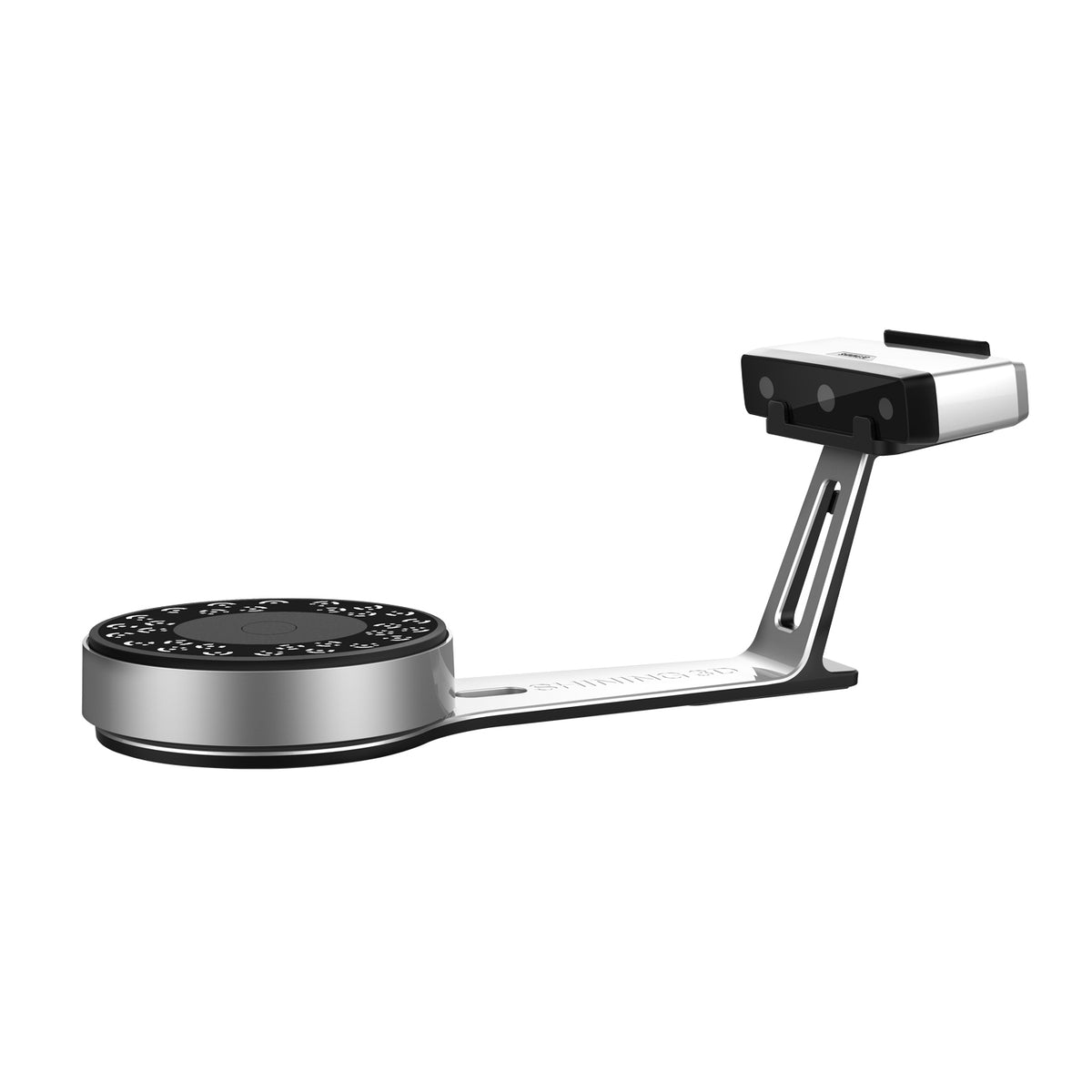
EinScan-SE V2 デスクトップ 3D スキャナー
$2,399.00
EinScan-SE V2 3Dスキャナーは、教育者や個人にとって強力なパートナーです
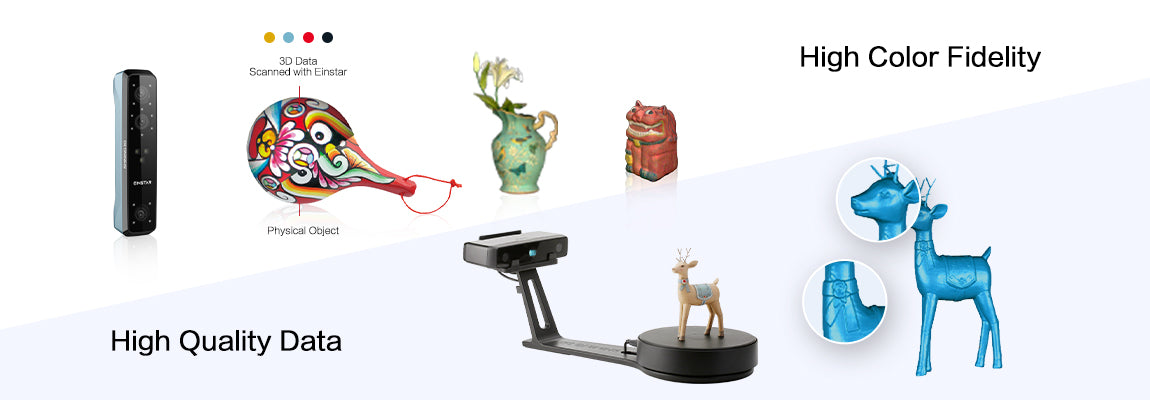
高品質データ
EinScan-SE V2は、すべてのスキャンで高品質の 3D データを生成します。
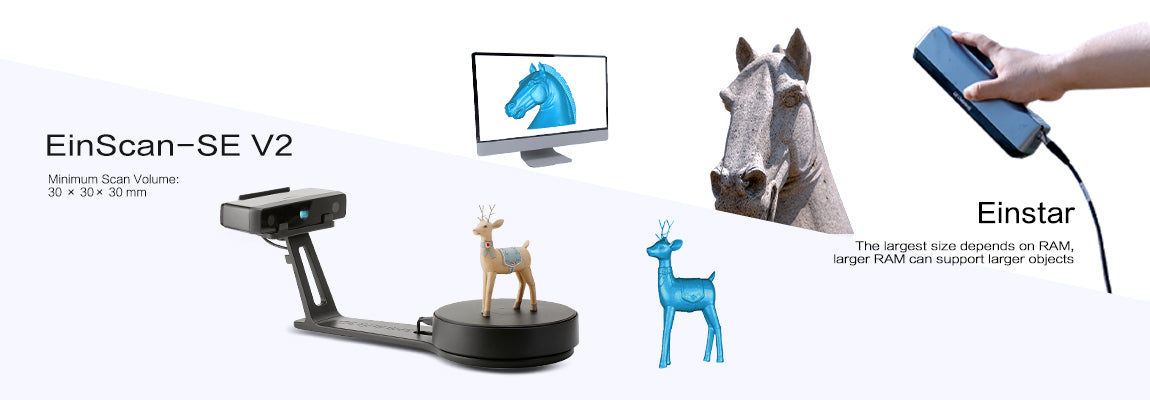
より広い3Dスキャン範囲
EinScan-SE V2 最小スキャンボリューム: 30mm * 30mm * 30mm
EinScan-SE V2 最大スキャンボリューム: 700mm *7000mm *700mm
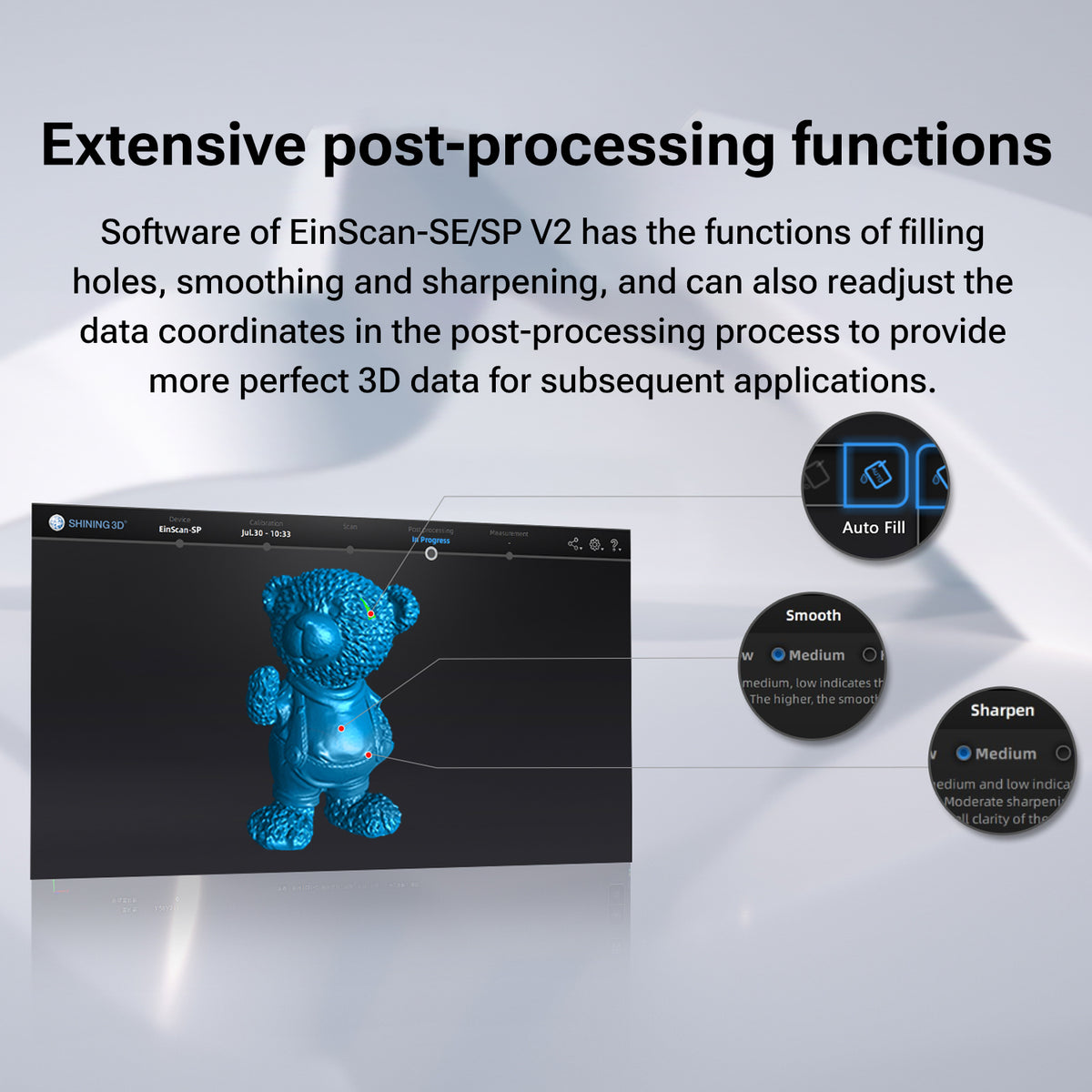
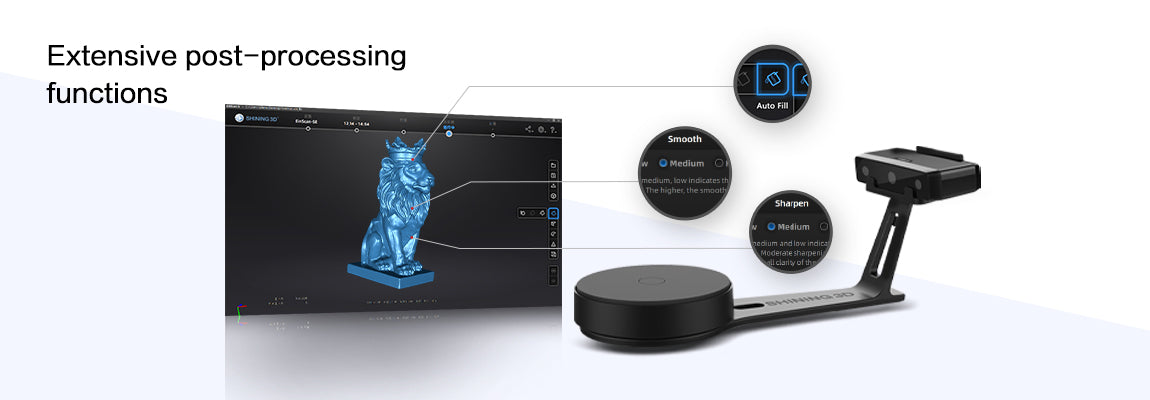
豊富な後処理機能
EinScan-SE のソフトウェアには、穴埋め、スムージング、シャープニングの機能があり、後処理プロセスでデータ座標を再調整して、後続のアプリケーションにより完璧な 3D データを提供することもできます。
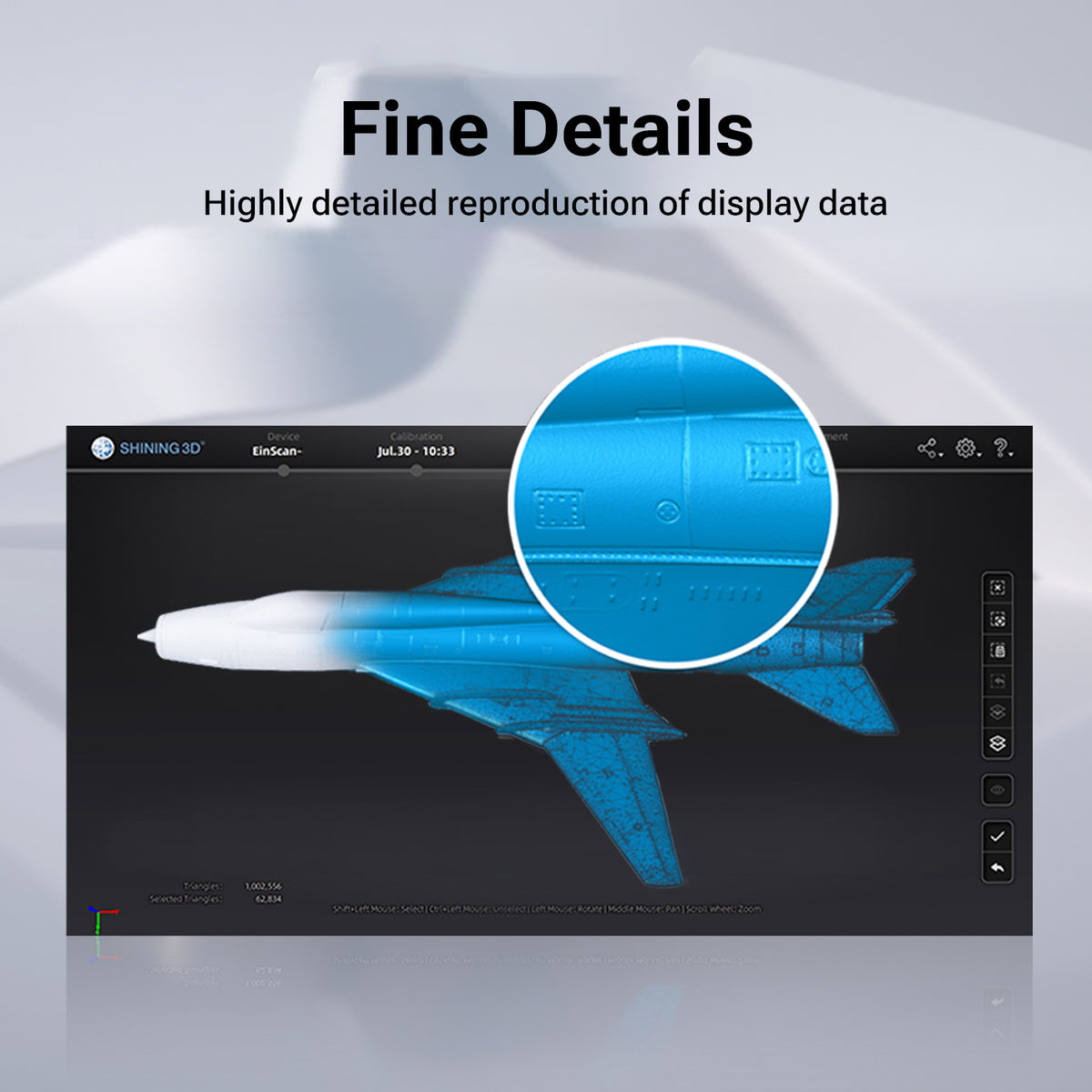
細部までこだわった
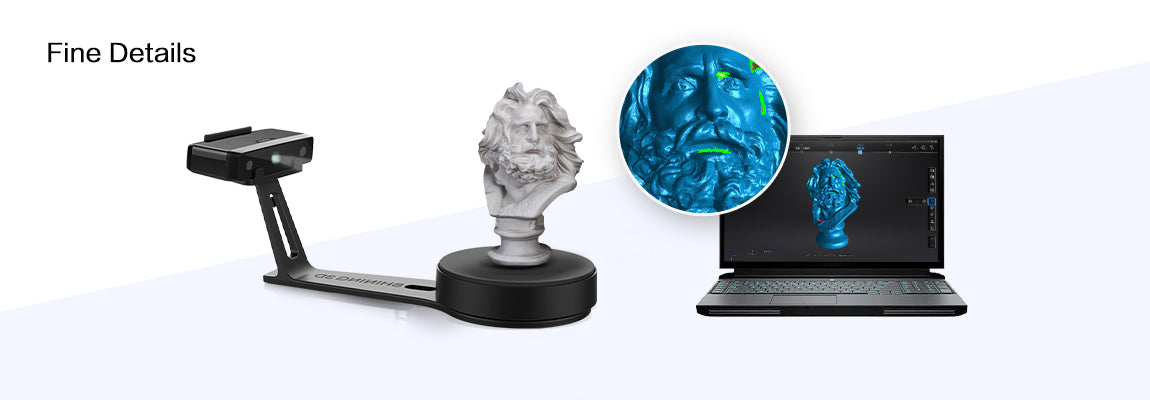
EinScan-SE V2 は、オブジェクトの実際の形状を細部まで再現します。
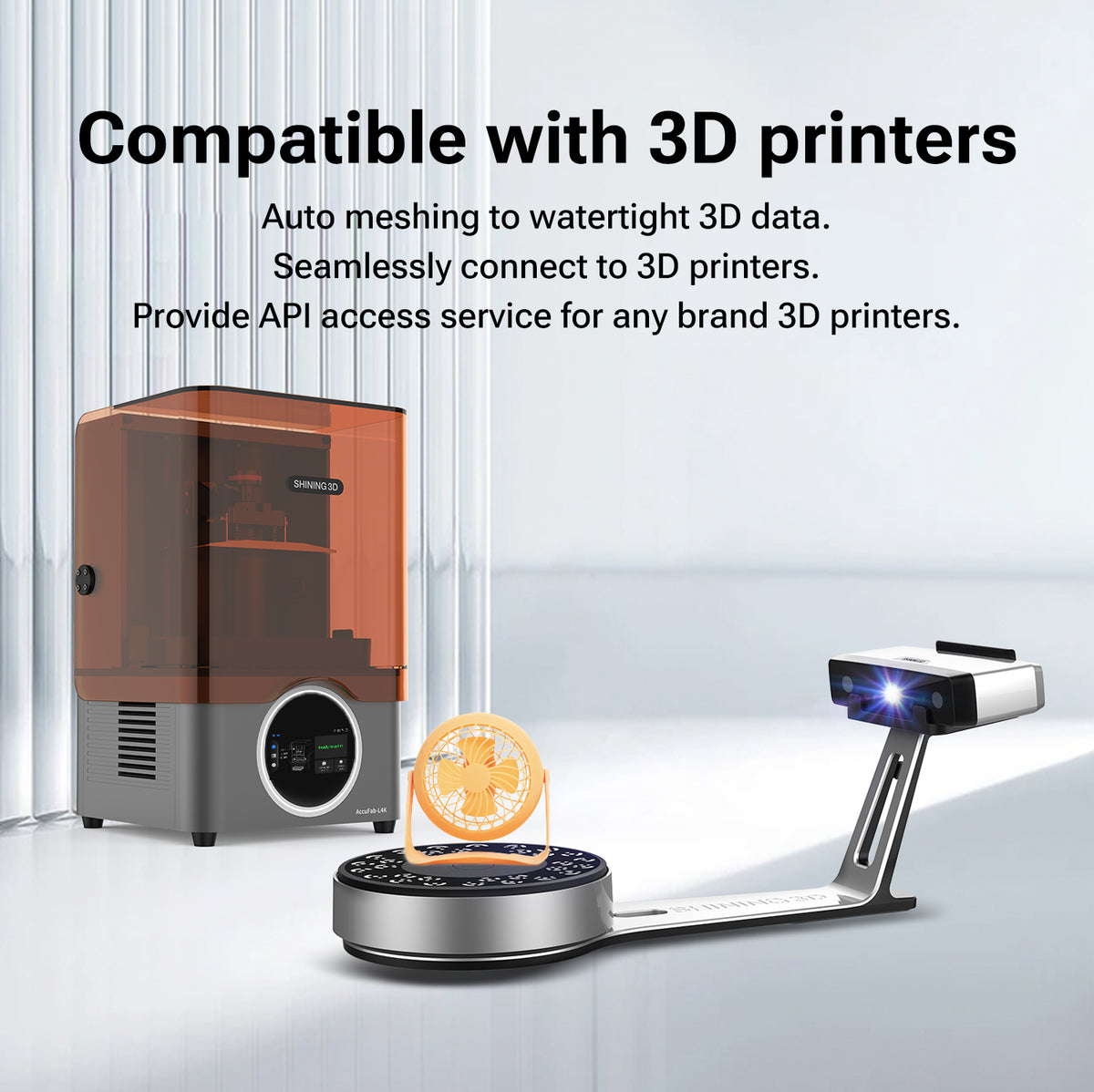
3Dプリンターに対応
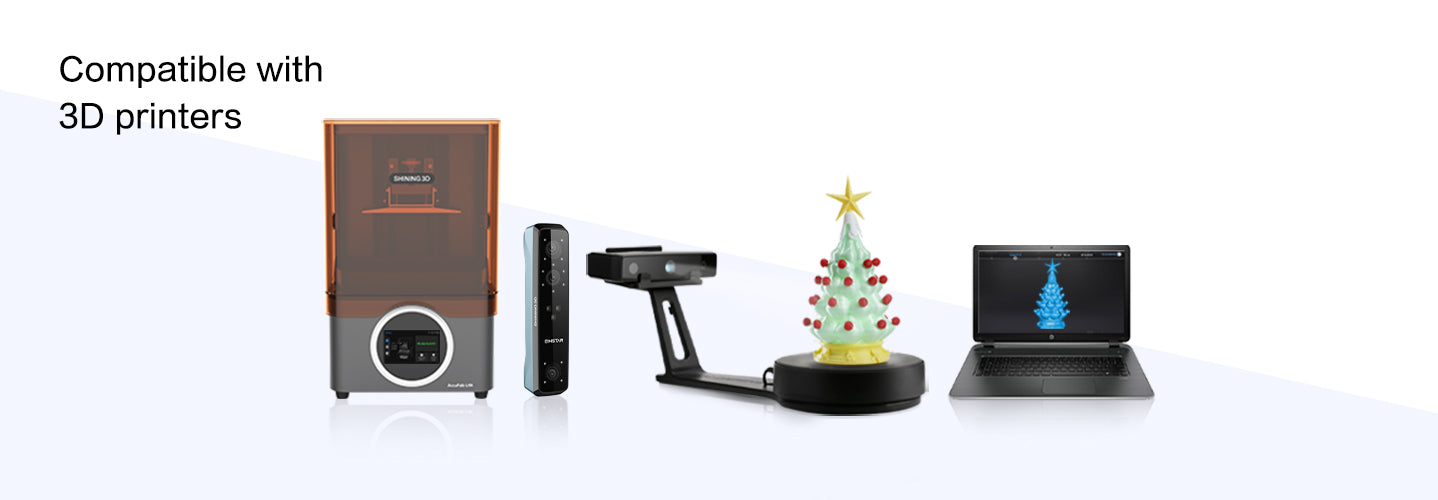
完全な 3D データへの自動メッシュ作成。3D プリンターにシームレスに接続します。
あらゆるブランドの 3D プリンターに API アクセス サービスを提供します。
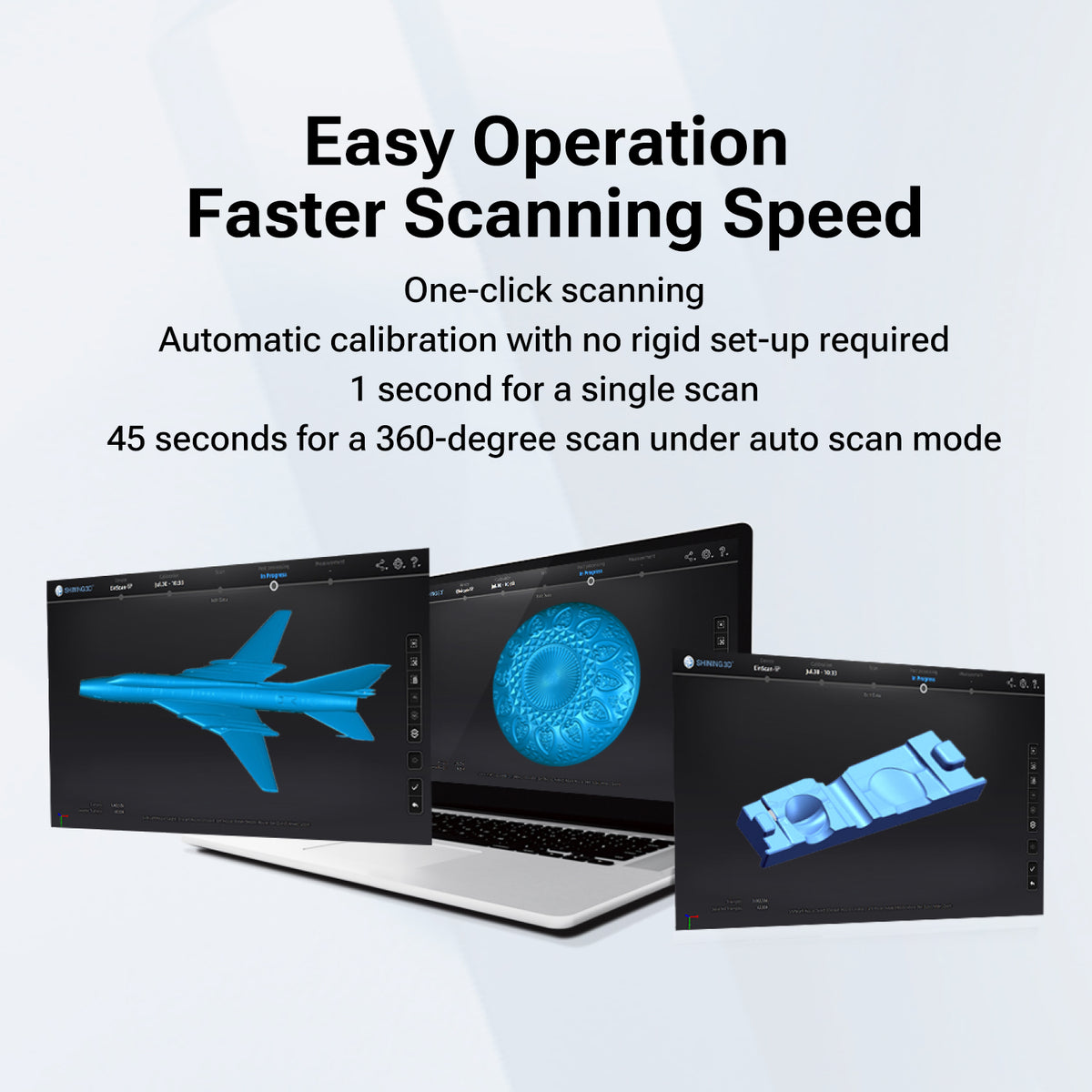
合理化されたユーザーエクスペリエンス
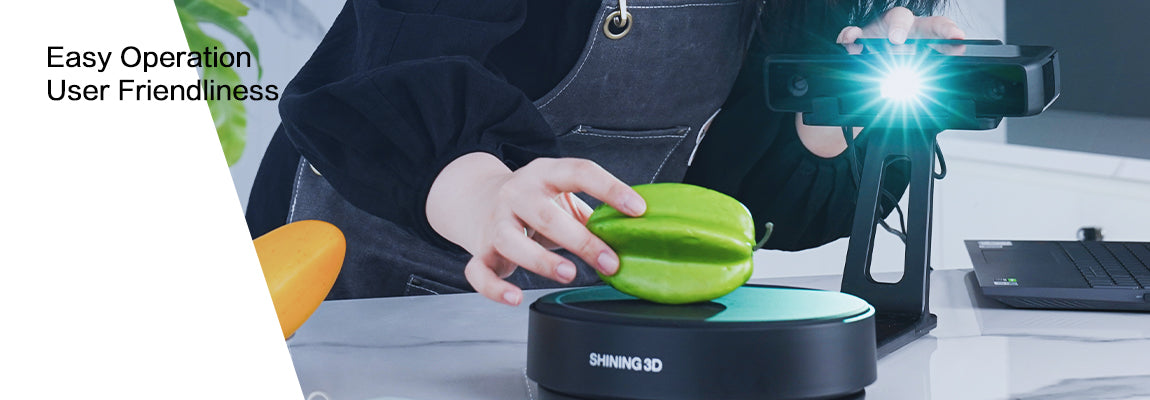
EinScan-SE V2 は、厳格なセットアップを必要とせず、ワンクリック スキャンと自動キャリブレーションをサポートします。自動スキャン モードでは、単一スキャンの場合は 1 秒、 360 度スキャンの場合は 45 秒かかります。
Einstar では、データ転送と電源供給に USB ケーブルが 1 本だけ必要です。スキャンと後処理のための明確でエレガントなワークフロー。セットアップが簡単で、プラグ アンド プレイです。
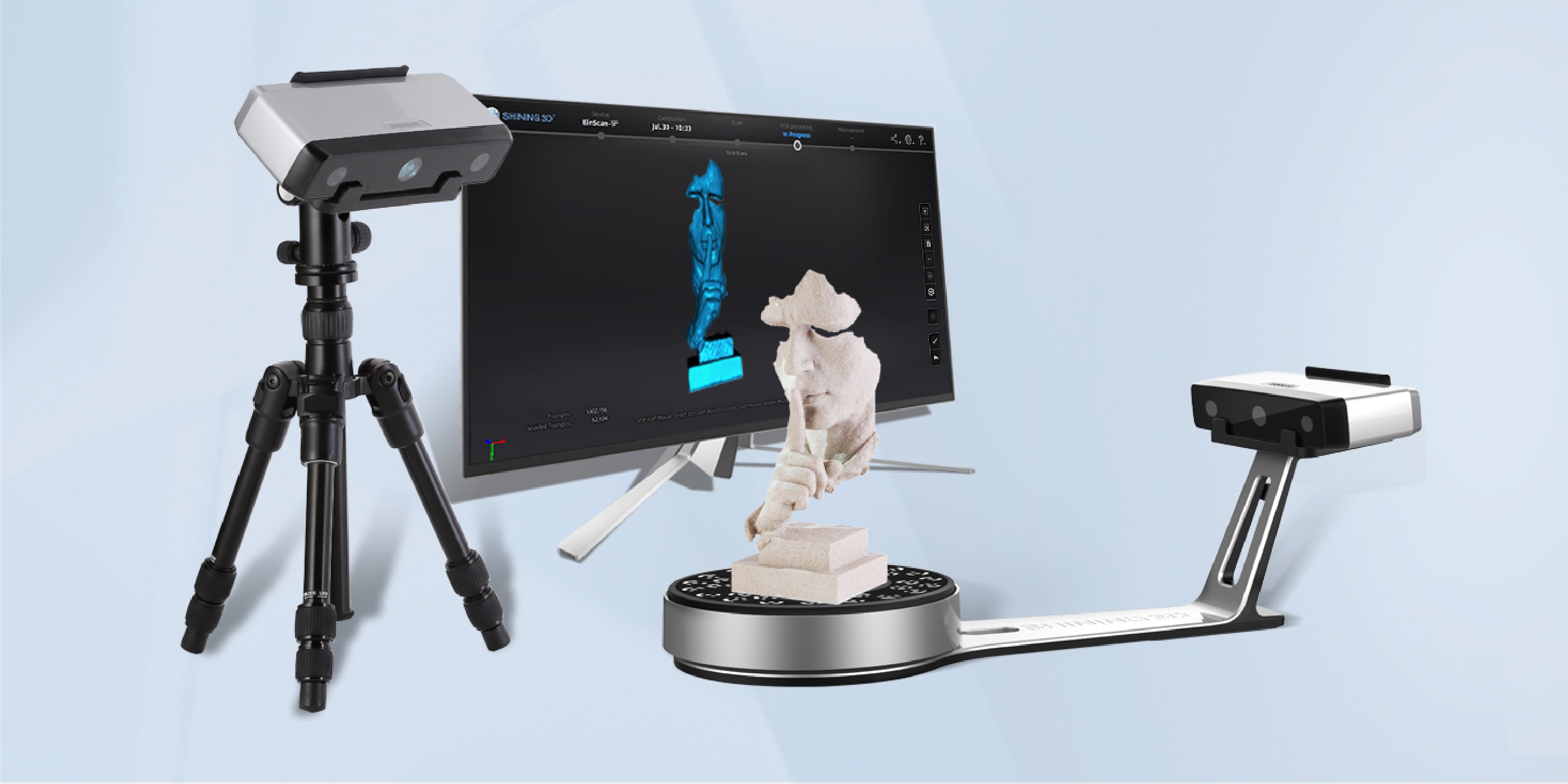
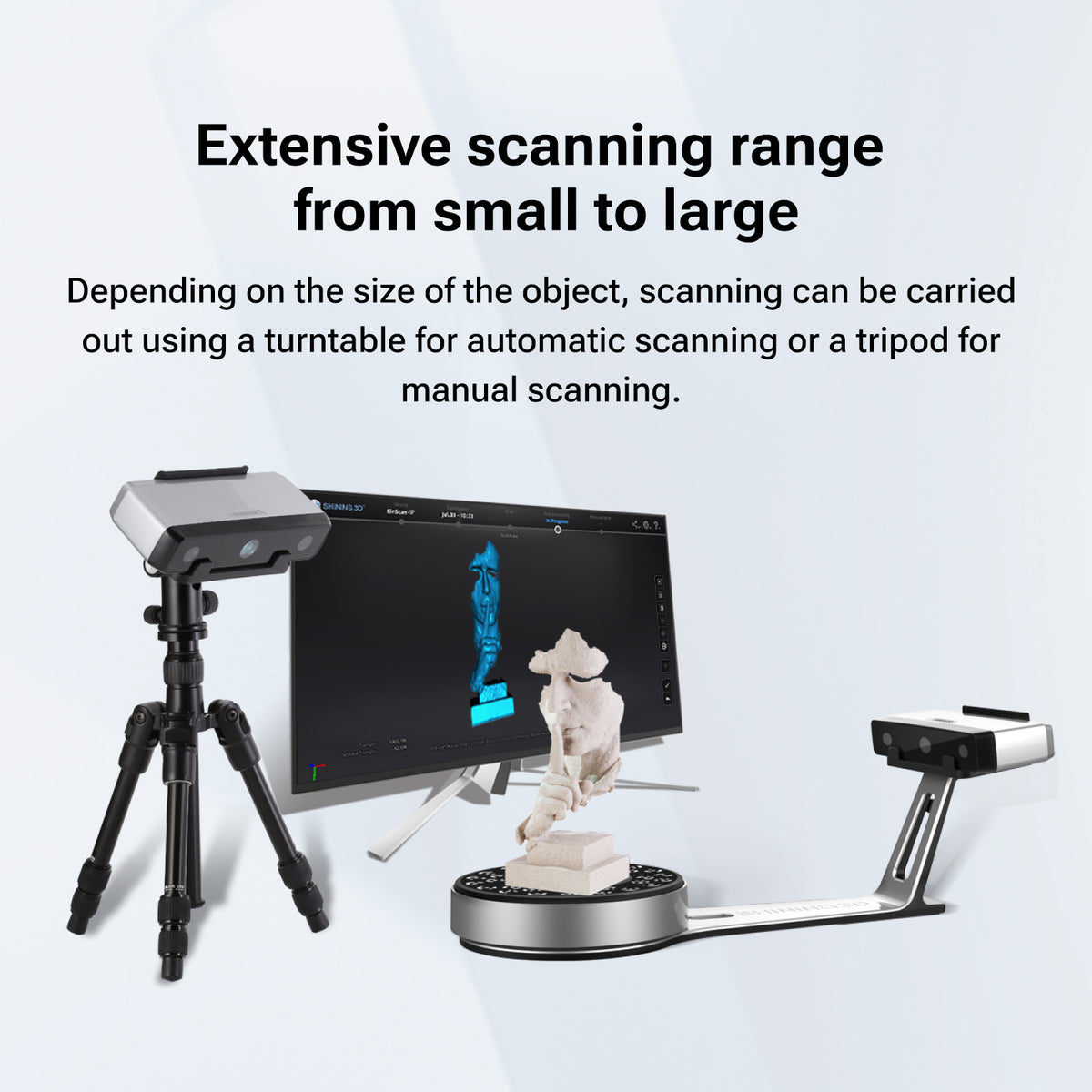
Extensive scanning range from small to large
Depending on the size of the object, scanning can be carried out using a turntable for automatic scanning or a tripod for manual scanning.
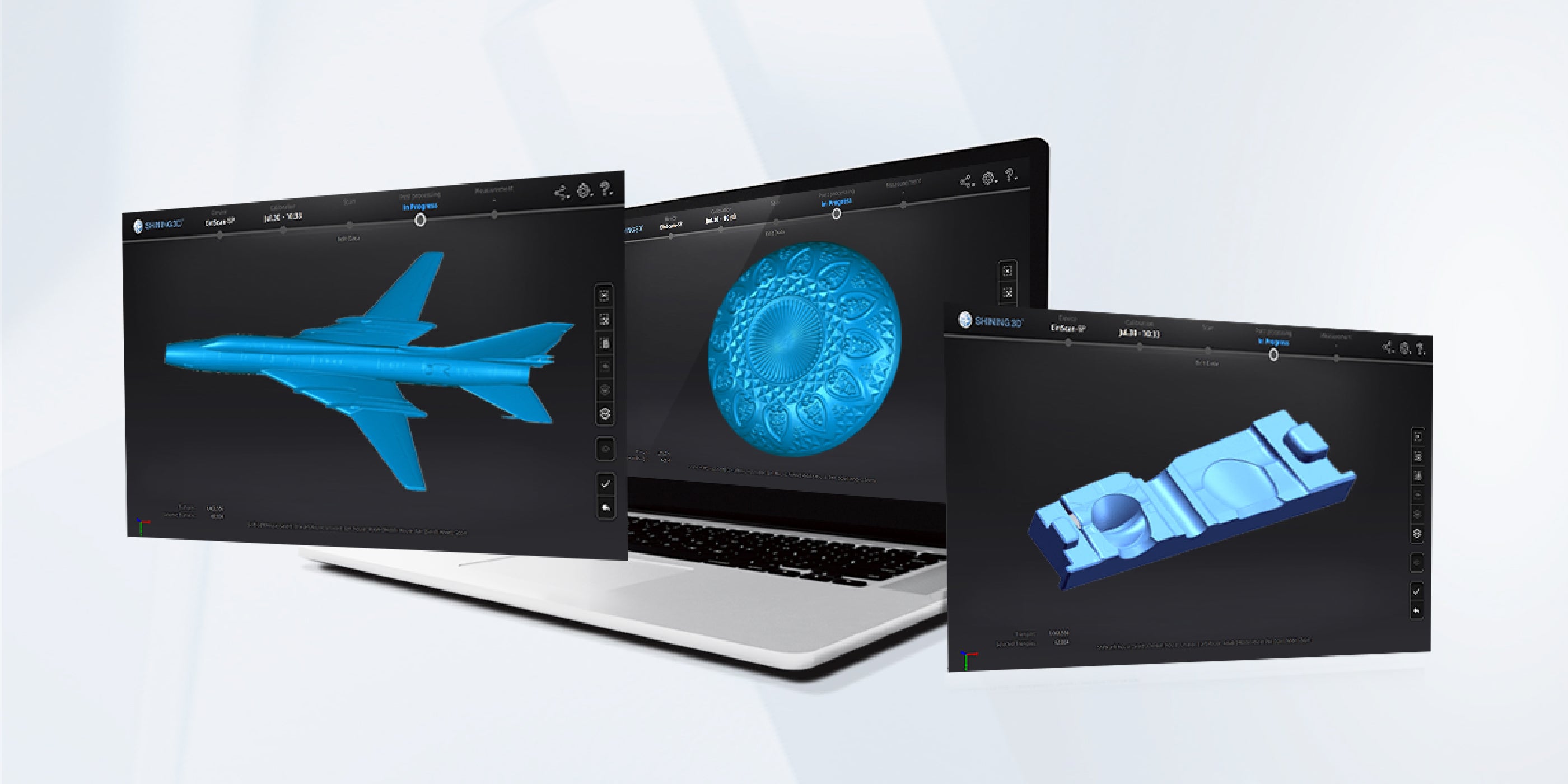
Easy Operation, Faster Scanning Speed
- One-click scanning
- Automatic calibration with no rigid set-up required
- 1 second for a single scan
- 45 seconds for a 360-degree scan under auto scan mode
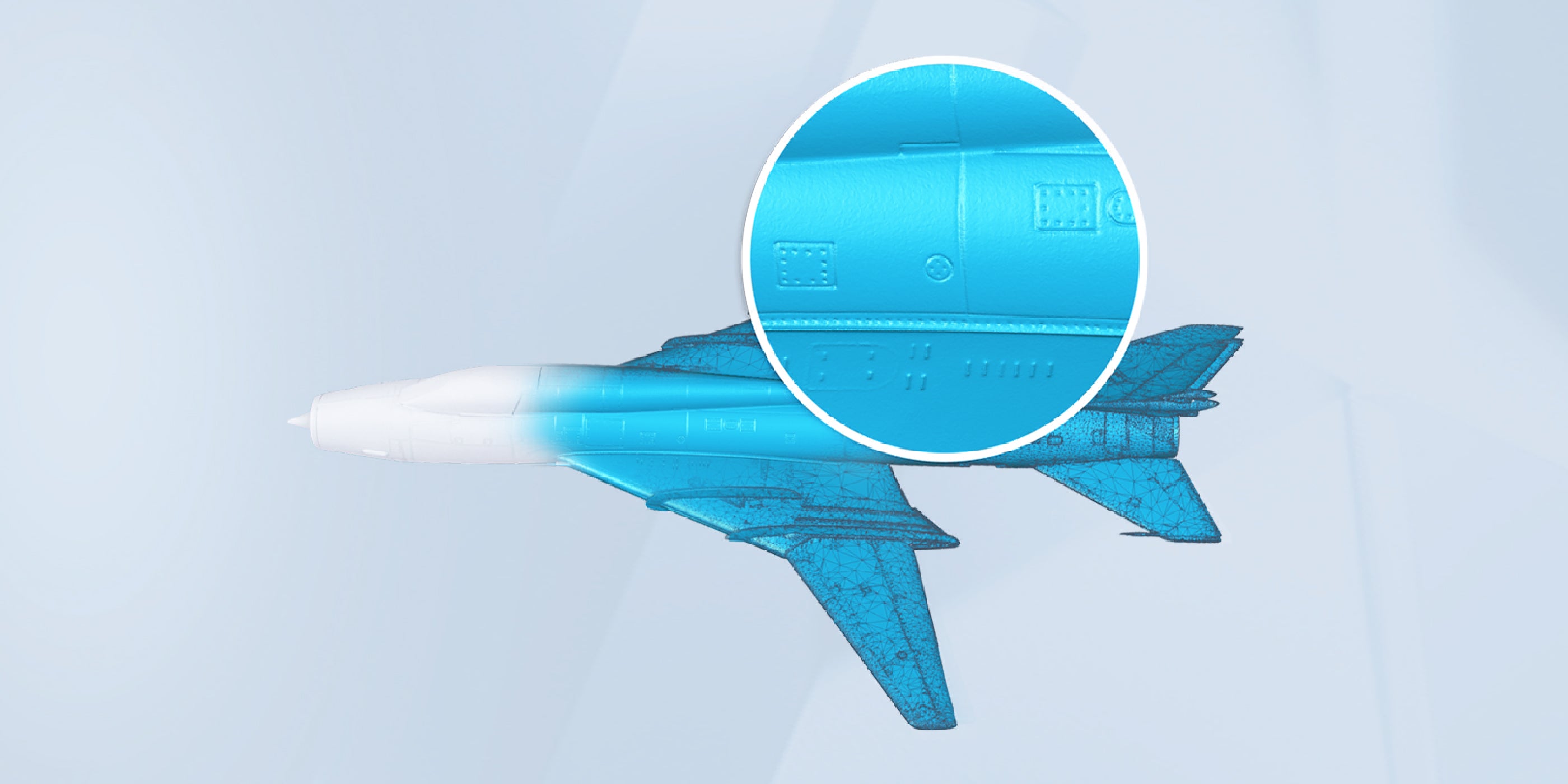
Fine details
Highly detailed reproduction of display data
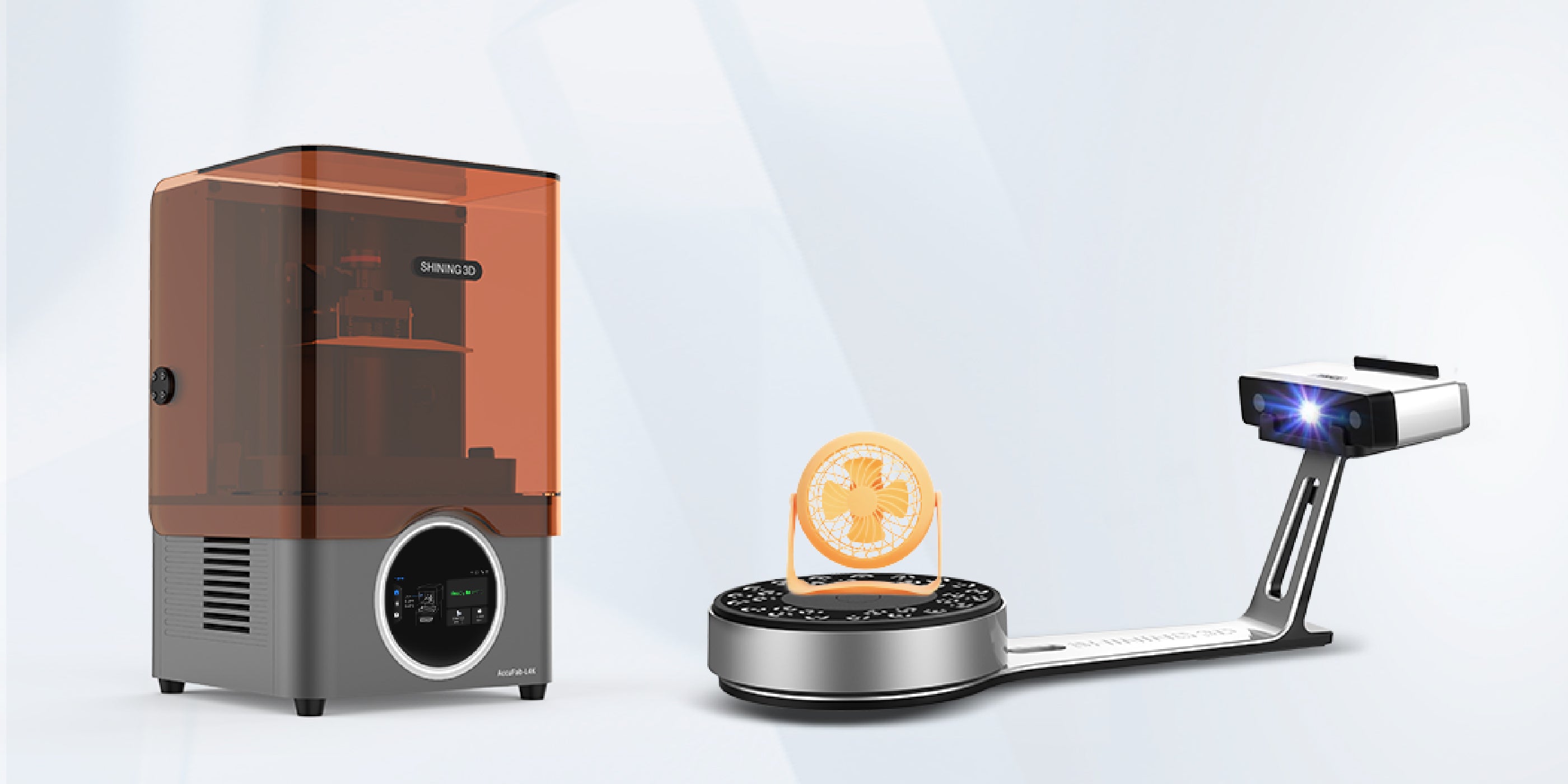
Compatible with 3D printers
- Auto meshing to watertight 3D data
- Seamlessly connect to 3D printers
- Provide API acceSoftware of EinScan-SE/SP V2 has the functions of filling holes, smoothing and sharpening, and can also readjust the data coordinates in the post-processing process to provide more perfect 3D data for subsequent applications.ss service for any brand 3D printers.
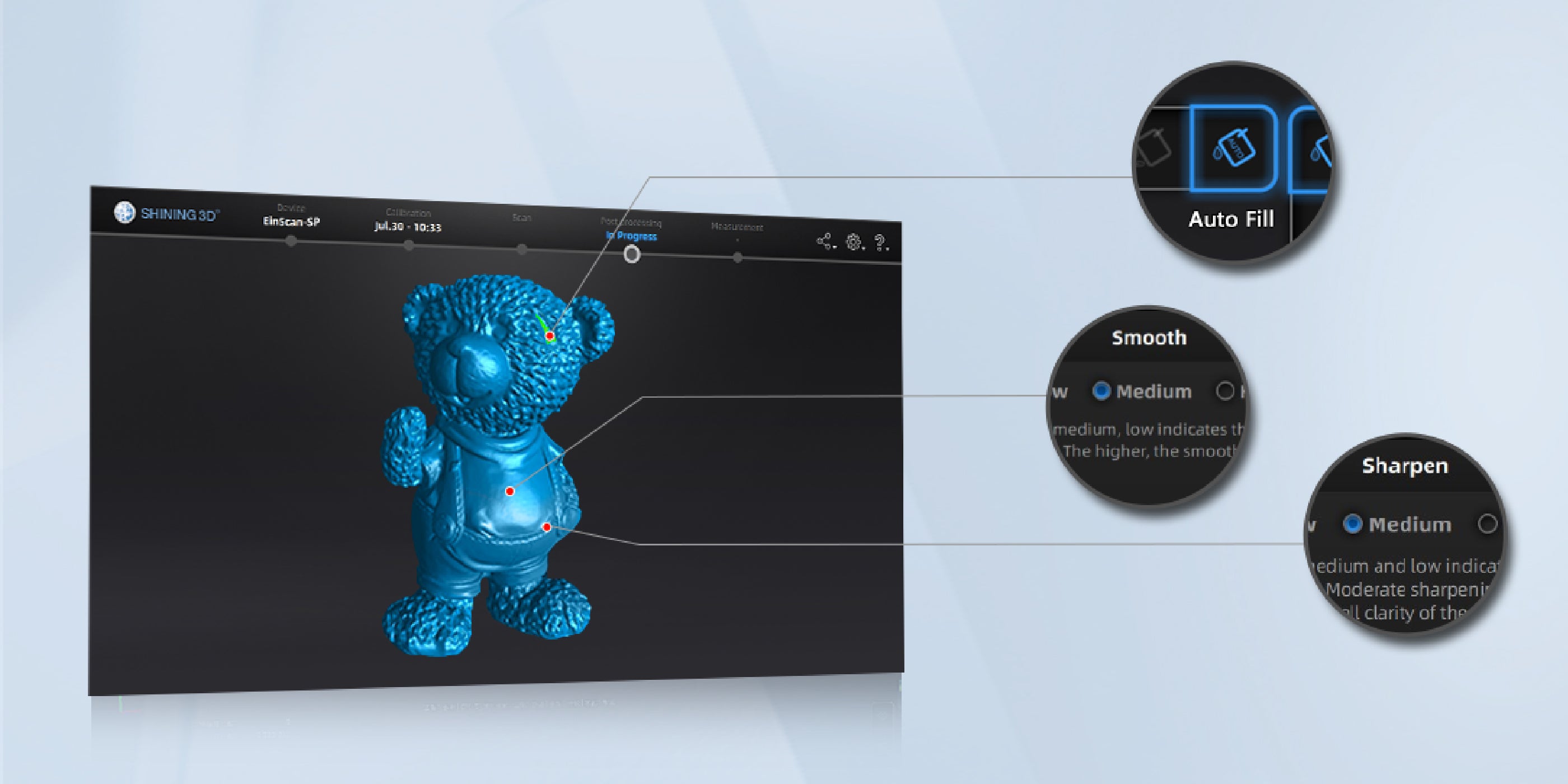
Extensive post-processing functions
Software of EinScan-SE/SP V2 has the functions of filling holes, smoothing and sharpening, and can also readjust the data coordinates in the post-processing process to provide more perfect 3D data for subsequent applications.
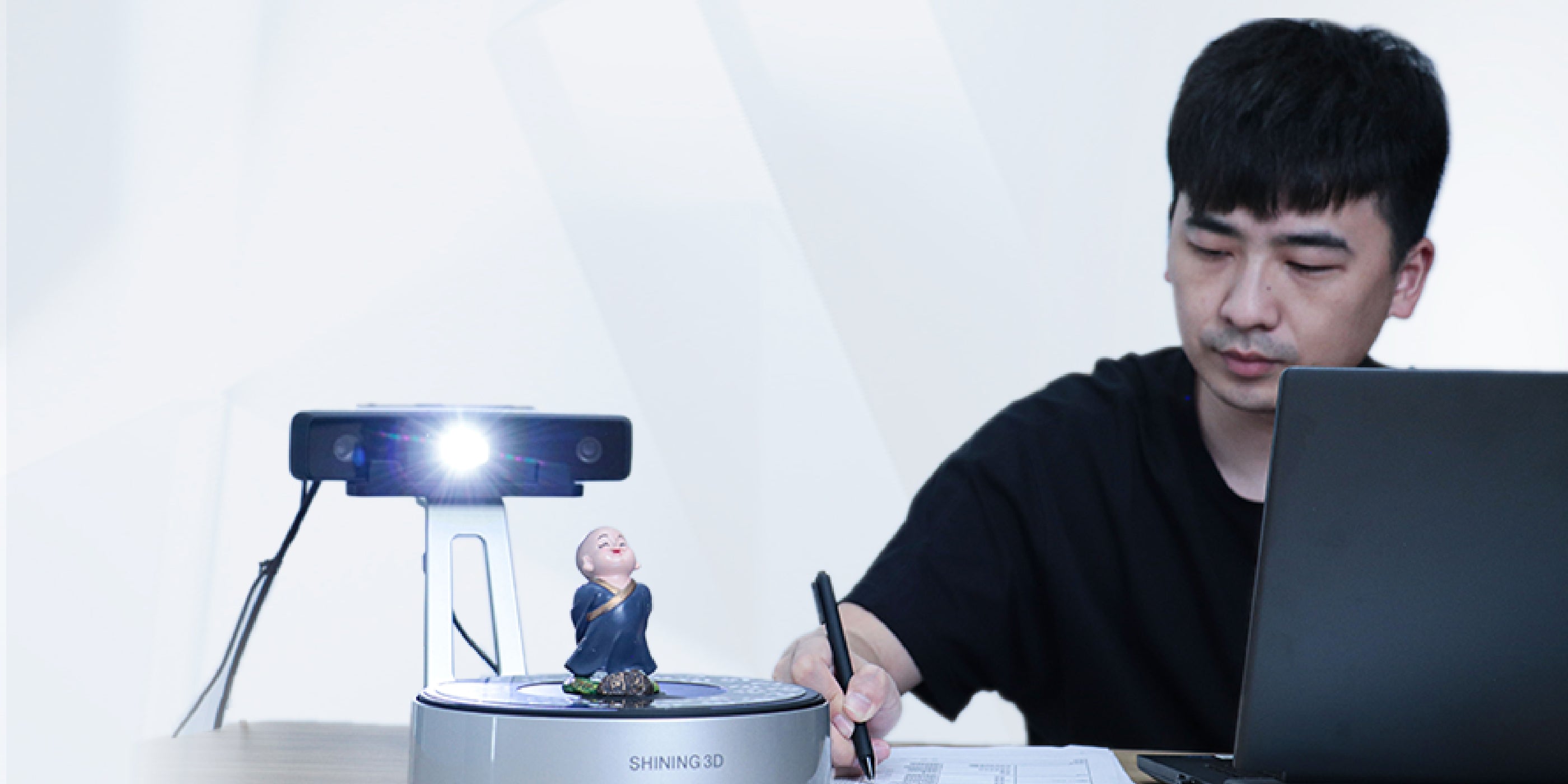
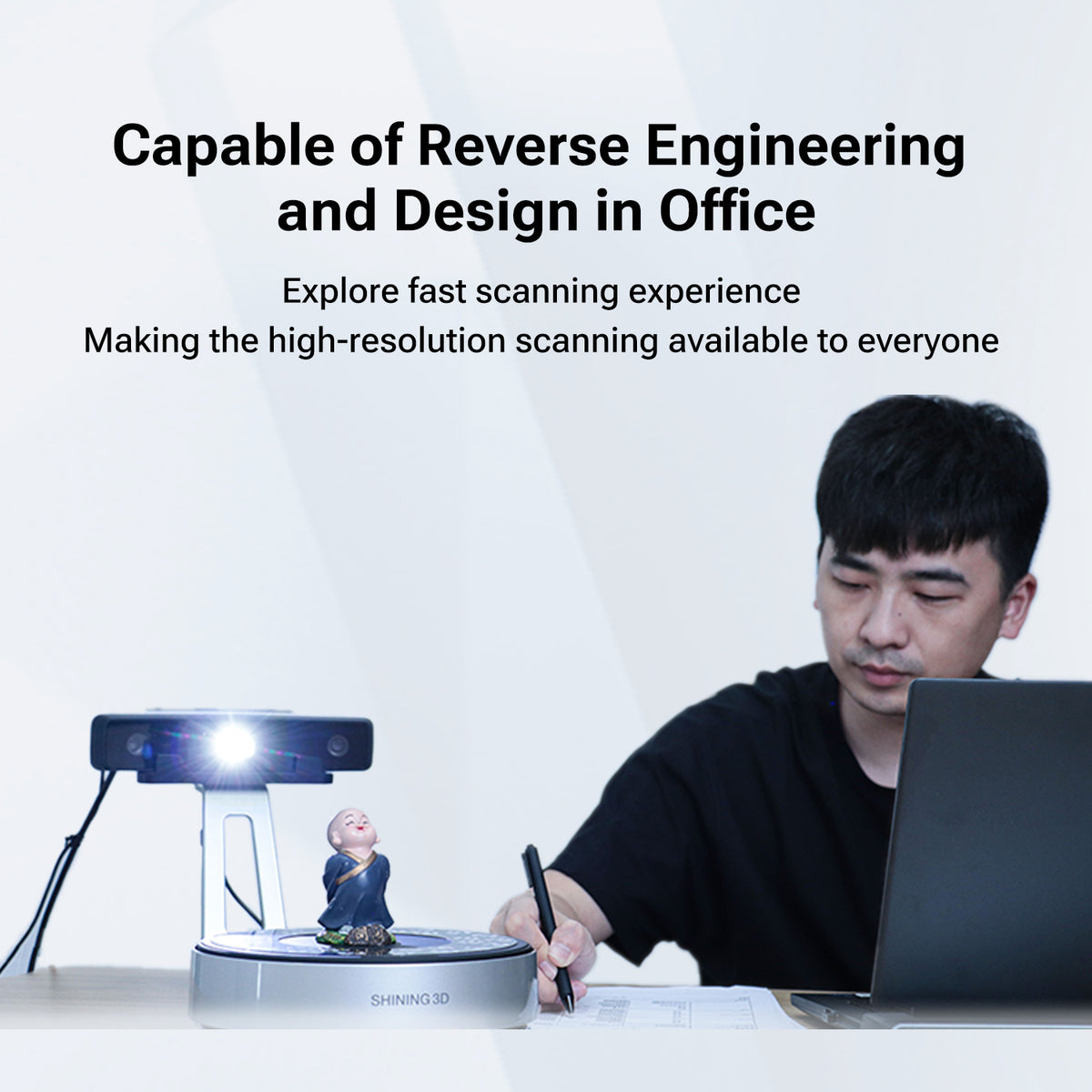
Capable of Reverse Engineering and Design in Office
- Explore fast scanning experience
- Making the high-resolution scanning available to everyone
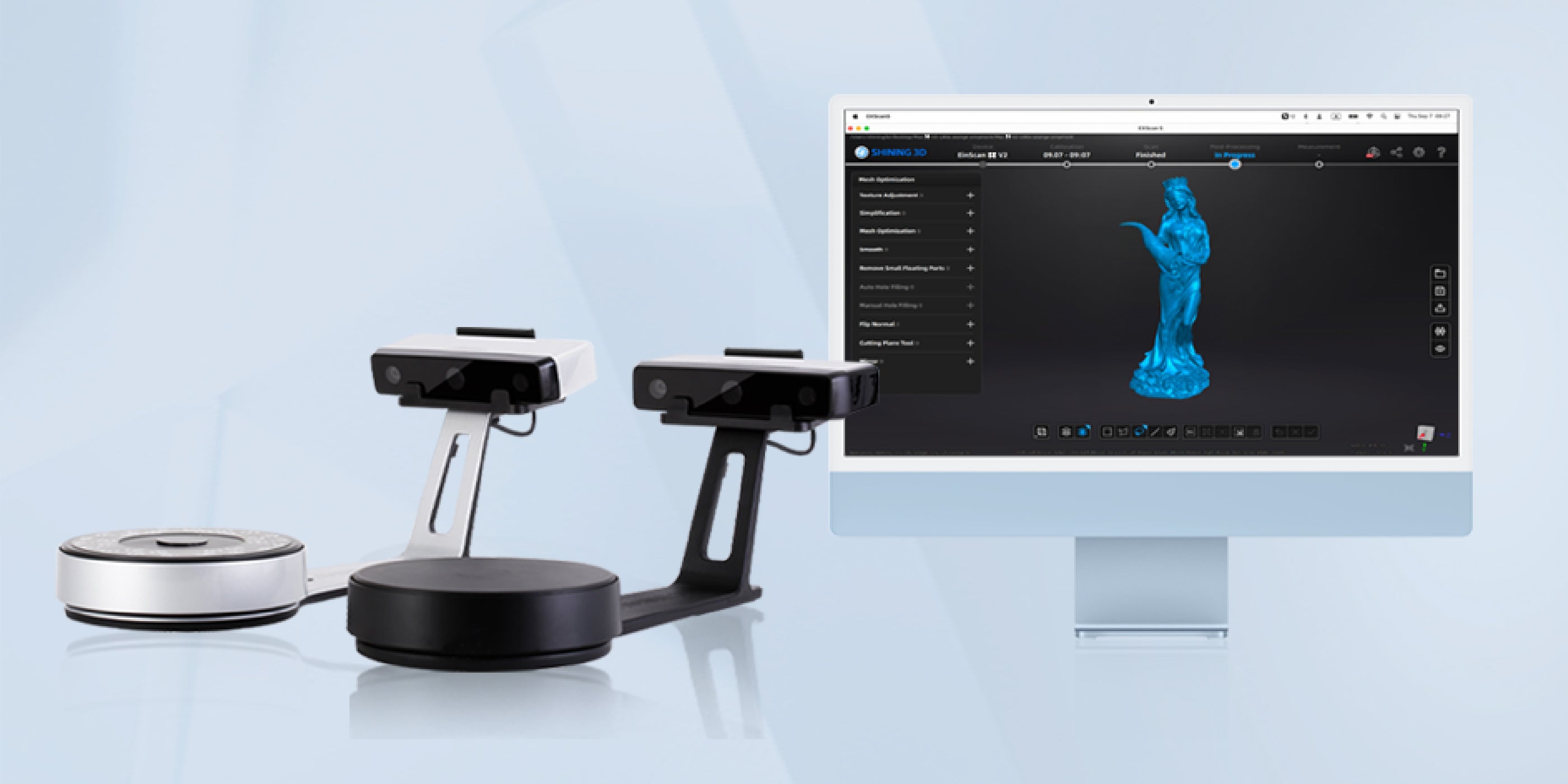
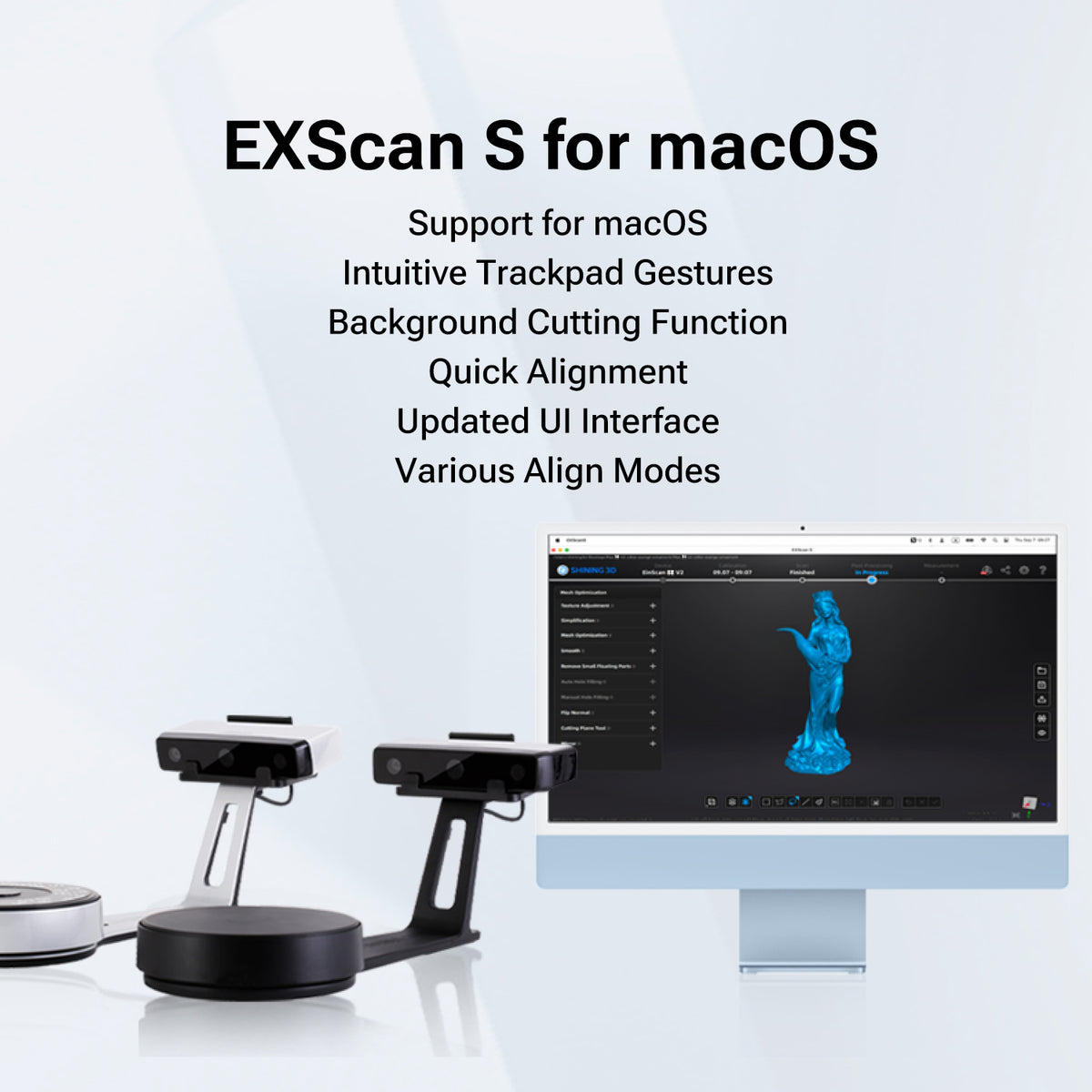
EXScan S for macOS
- Support for macOS
- Intuitive Trackpad Gestures
- Background Cutting Function
- Quick Alignment
- Updated UI Interface
- Various Align Modes
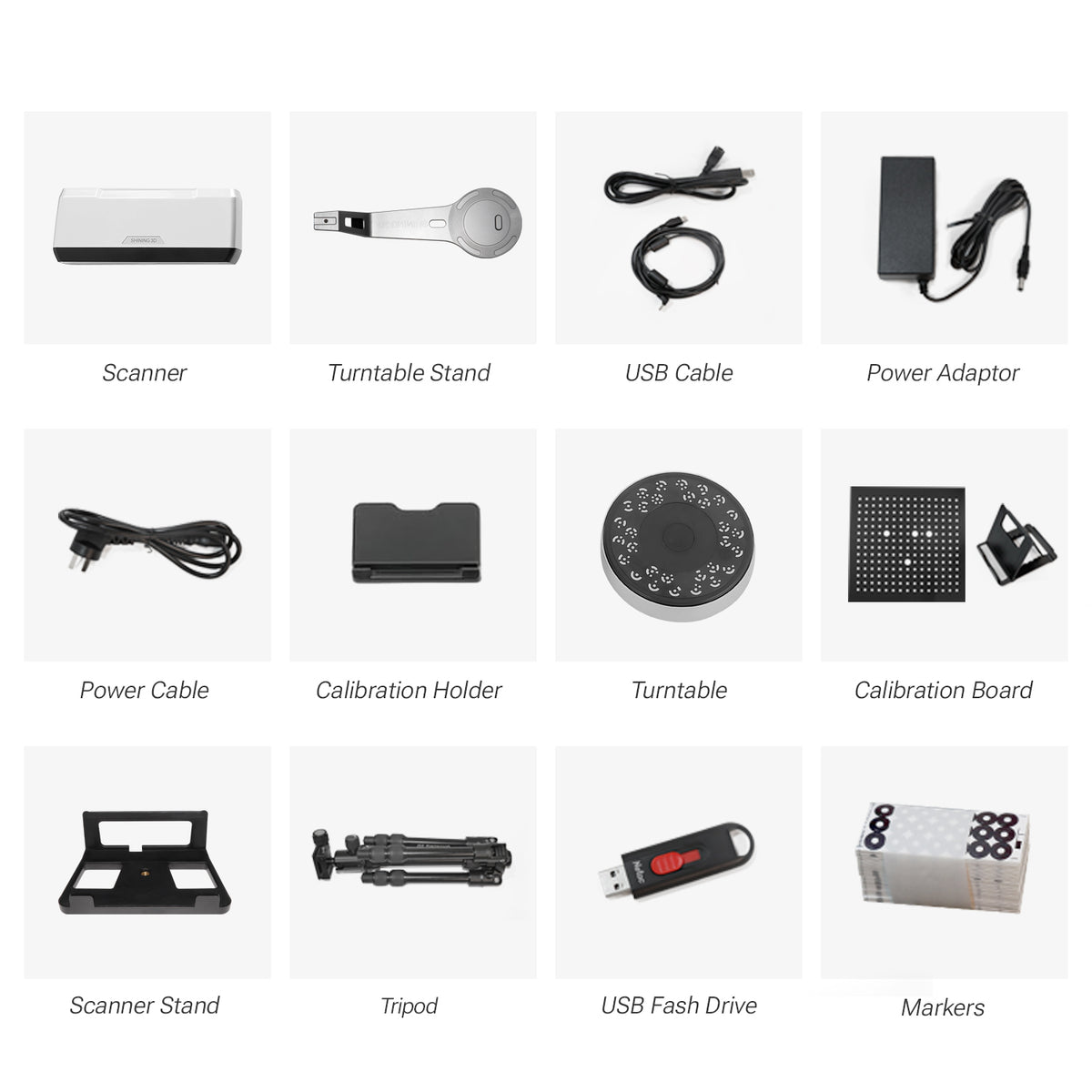
What's In The Box


3D Scanner
Turntable Stand
Calibration Board & Holder
USB Cable
Power Adaptor
Power Cable
Calibration Holder
Turntable
Scanner Stand
Tripod
Makers
How To Use


3D Data Gallery


